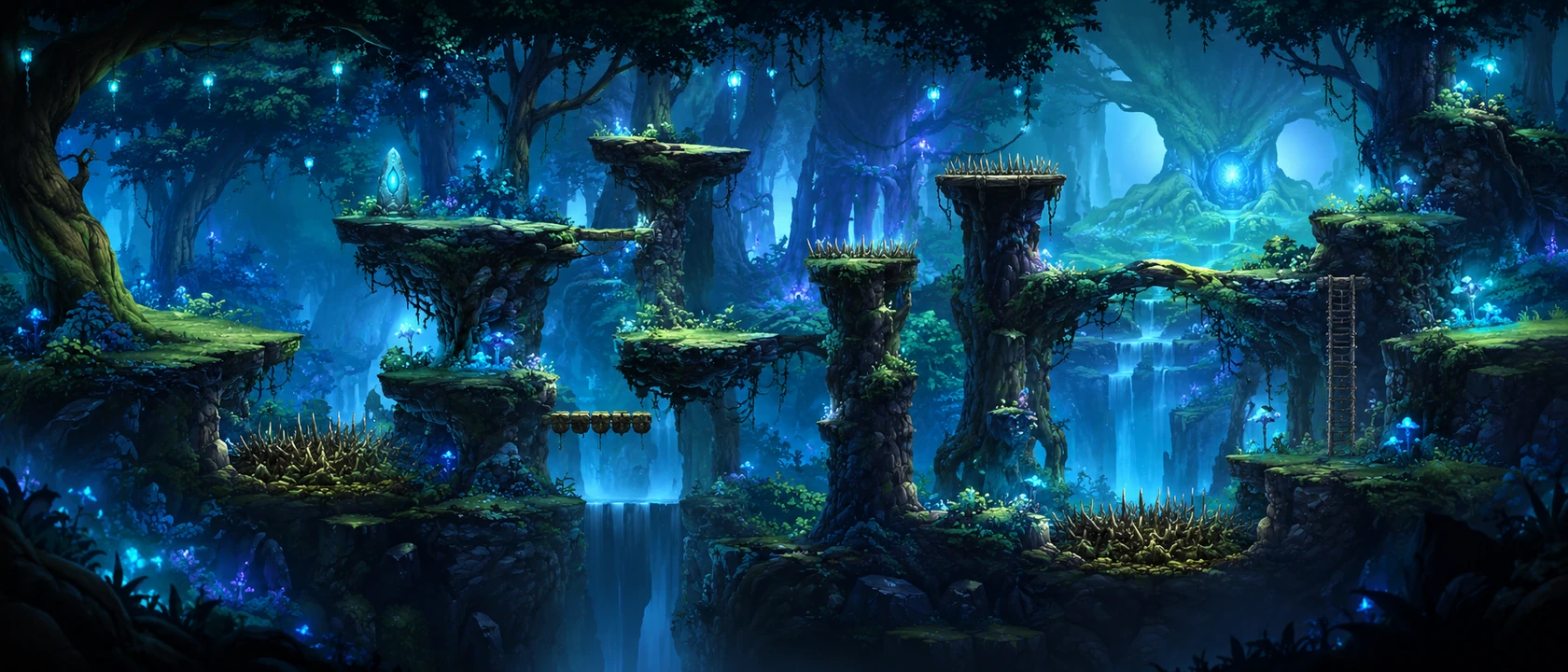
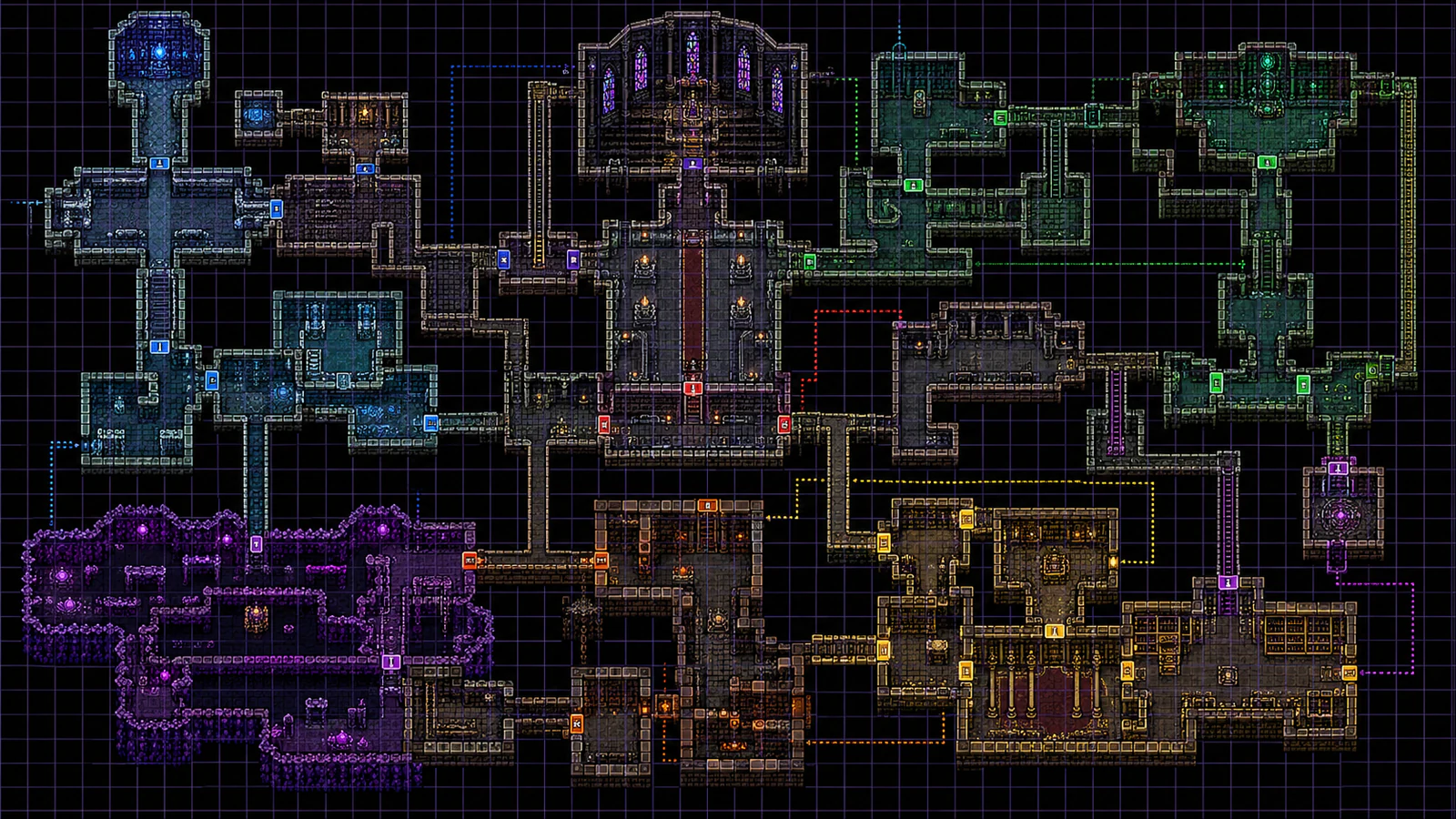
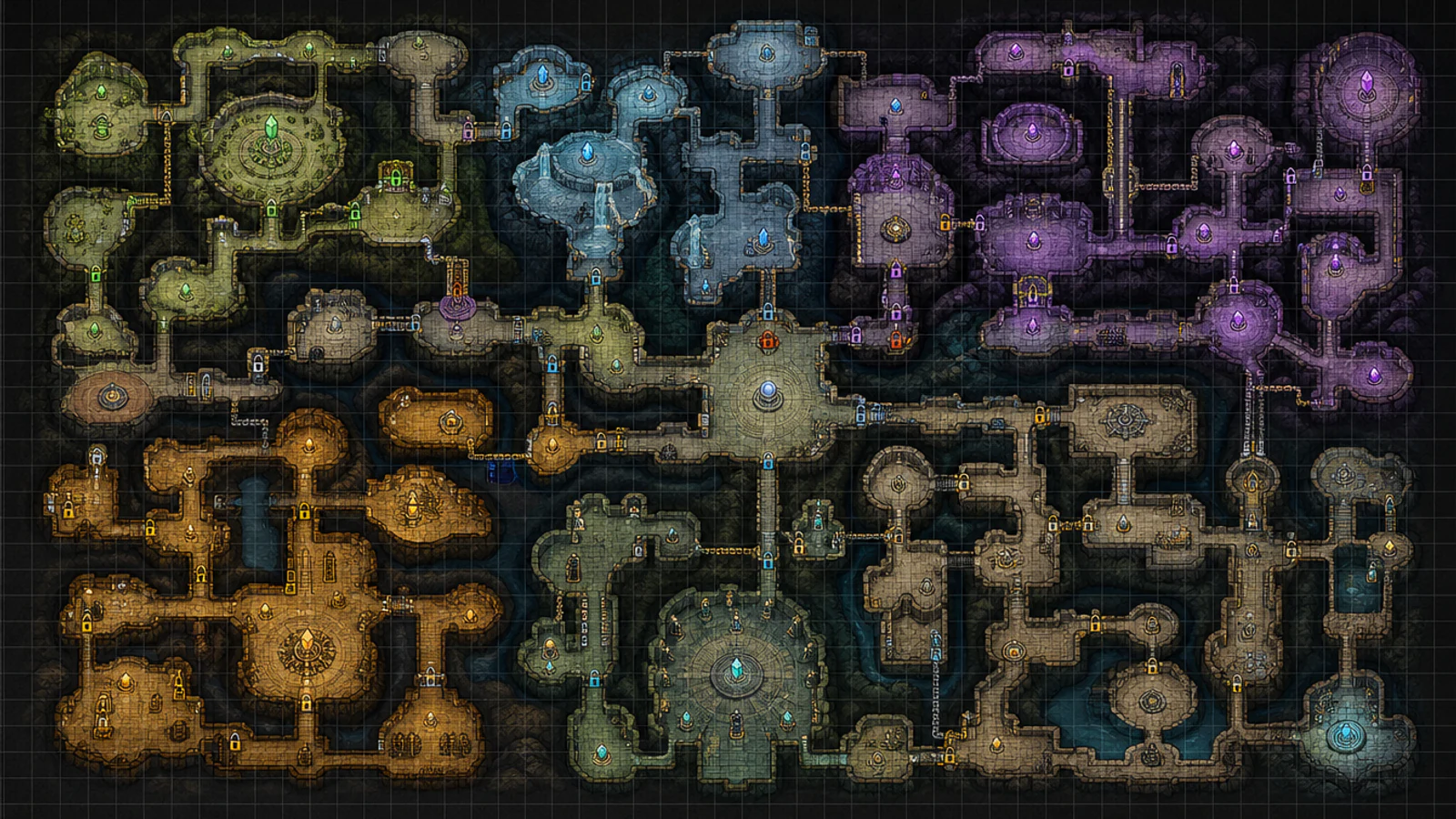
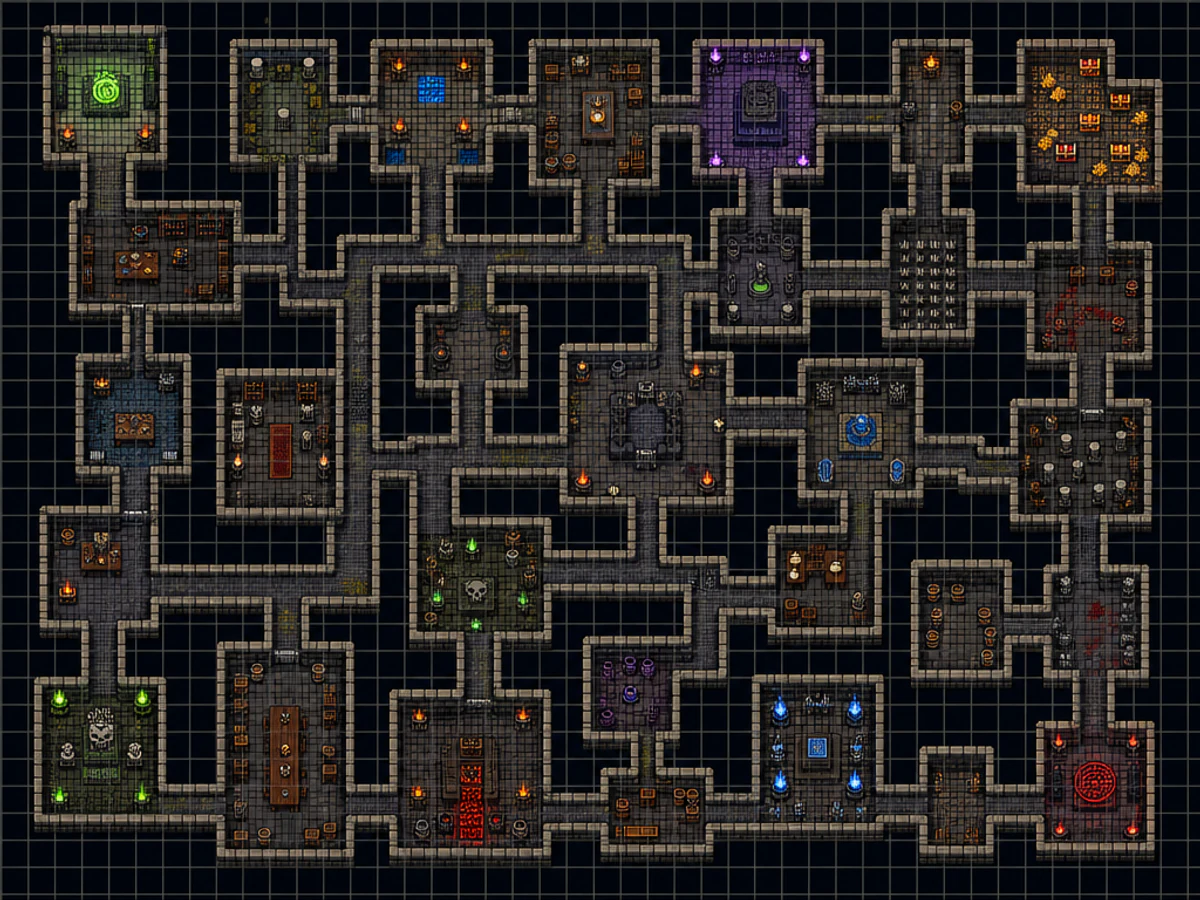
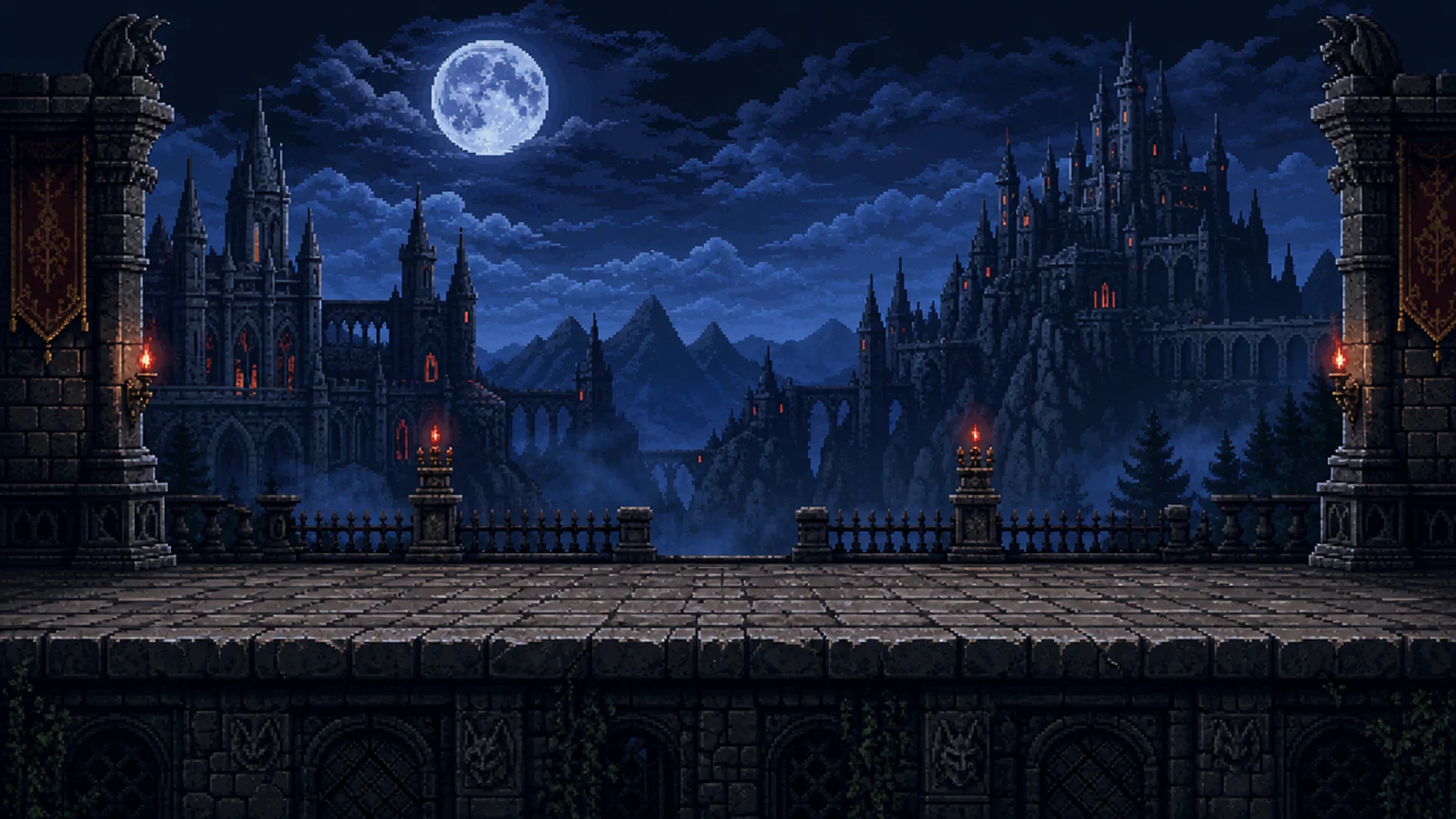
AI Game Map Generator: 2D Maps in 60 Seconds
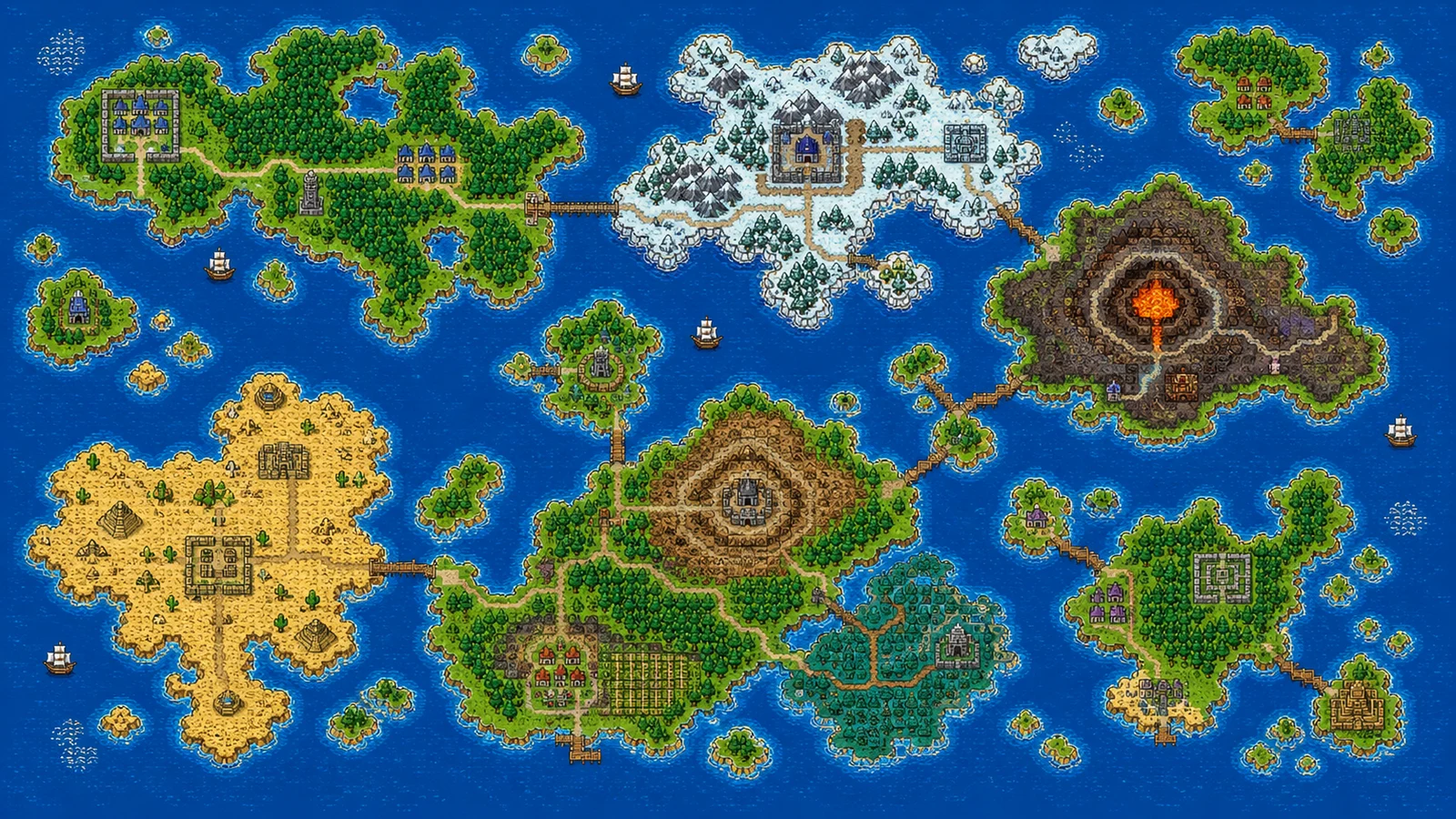
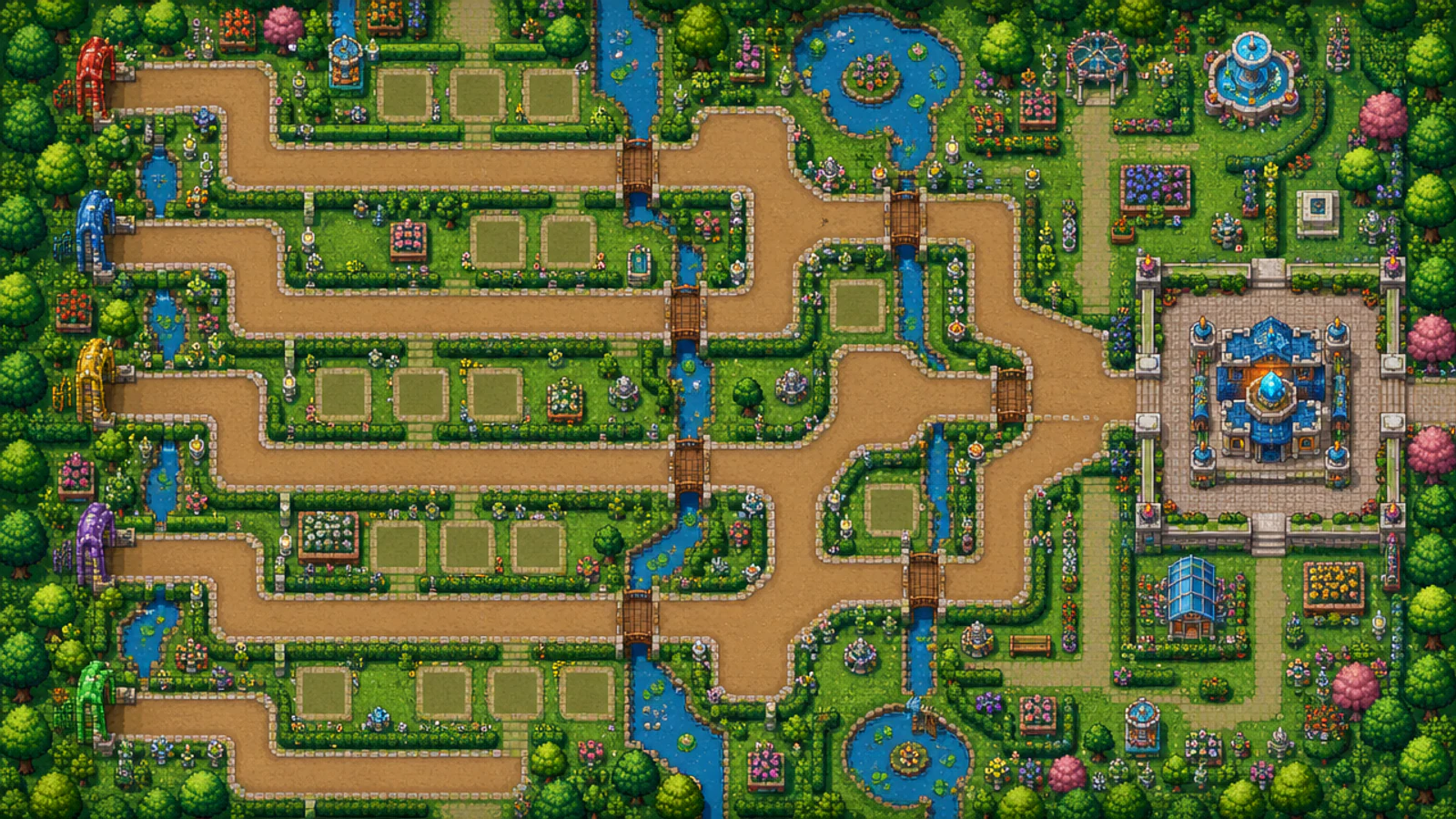
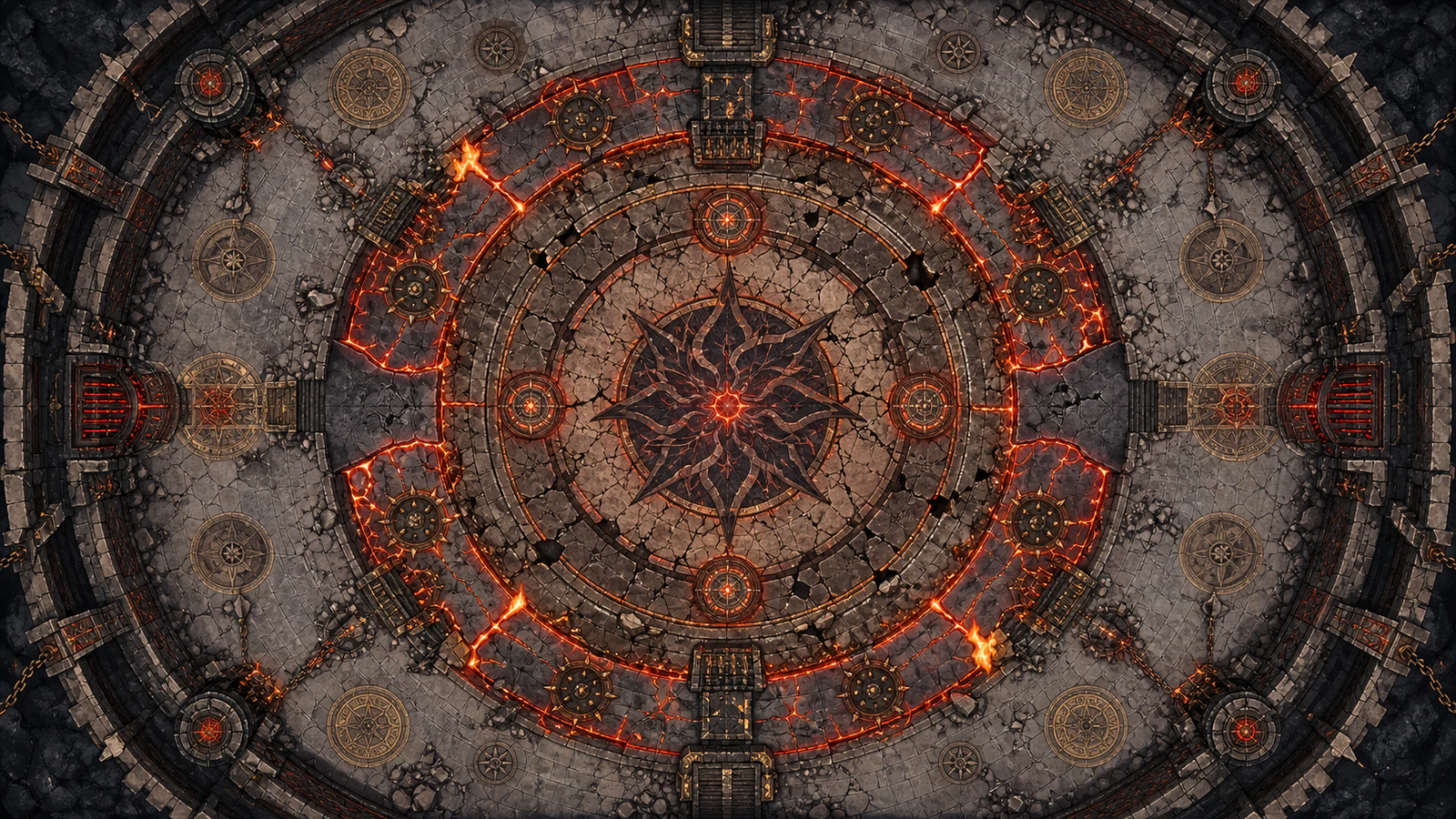
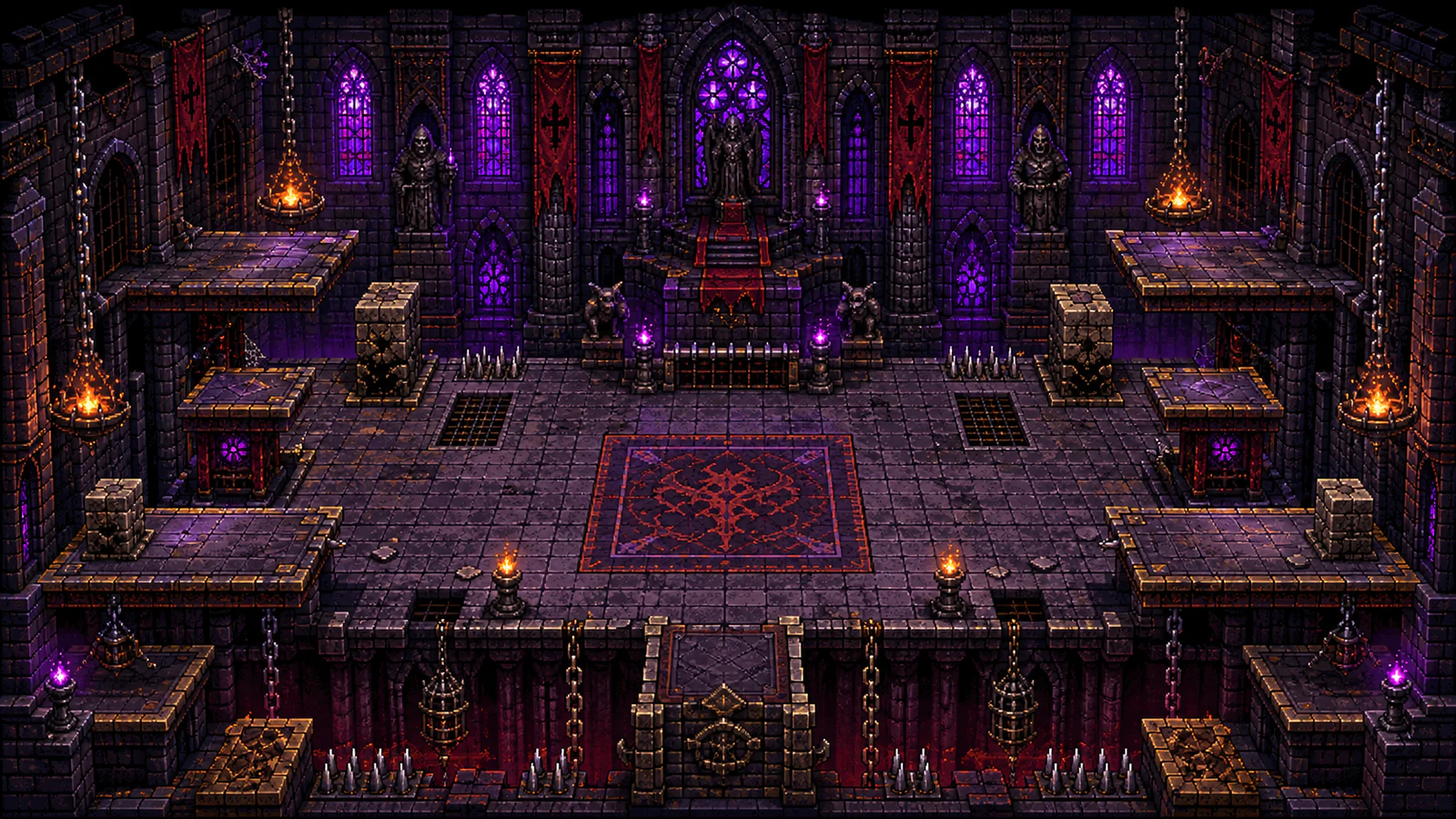
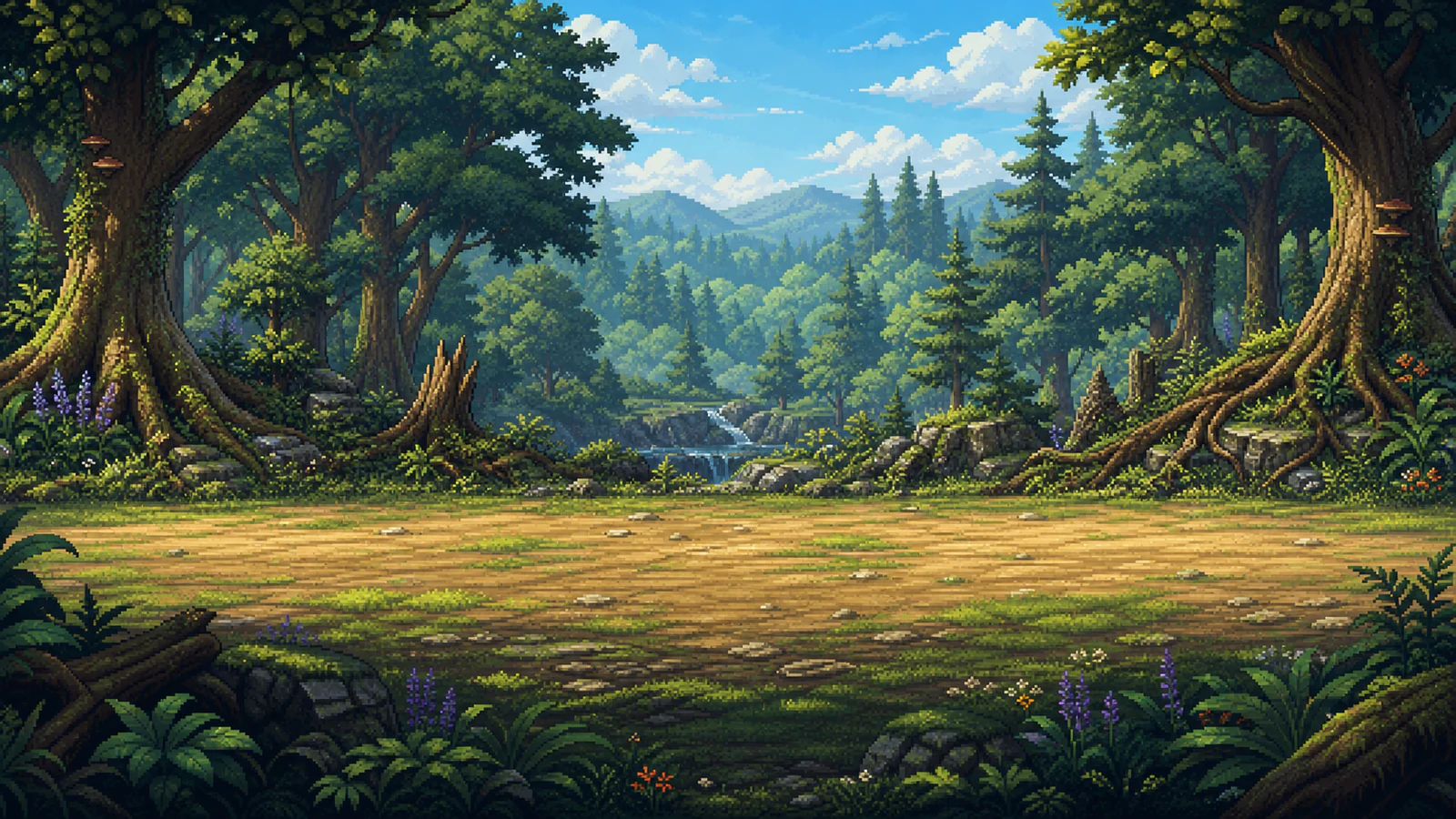
The AI game map generator built for indie devs, not tabletop GMs. Render top-down world maps, dungeons, towns, JRPG battle backdrops, and SRPG tactics arenas — 7 map types, 8 art-style presets, reference-image guidance, tiered output from 5 credits (1K, free) to 30 credits (4K, Premium).
Drop up to 3 reference images to guide style or composition.
What Is an AI Game Map Generator?
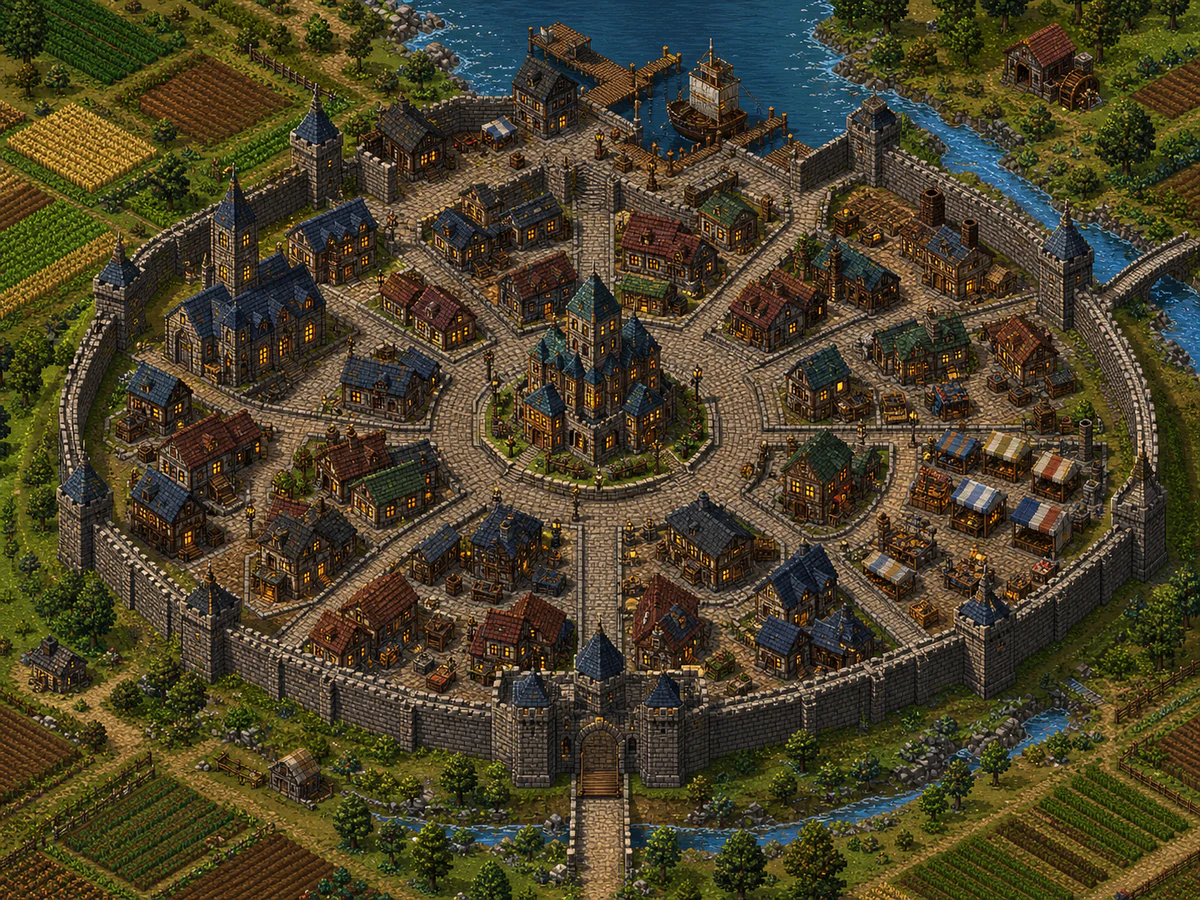
An AI game map generator turns a few structured parameters — map type, art style, biomes, terrain — into a finished 2D map screen ready to ship inside your game.

Who Ships Game Maps with This Tool
From RPG Maker overworlds to SRPG tactics grids — one workflow covers every map screen a 2D game needs.

RPG Maker MV/MZ Developers
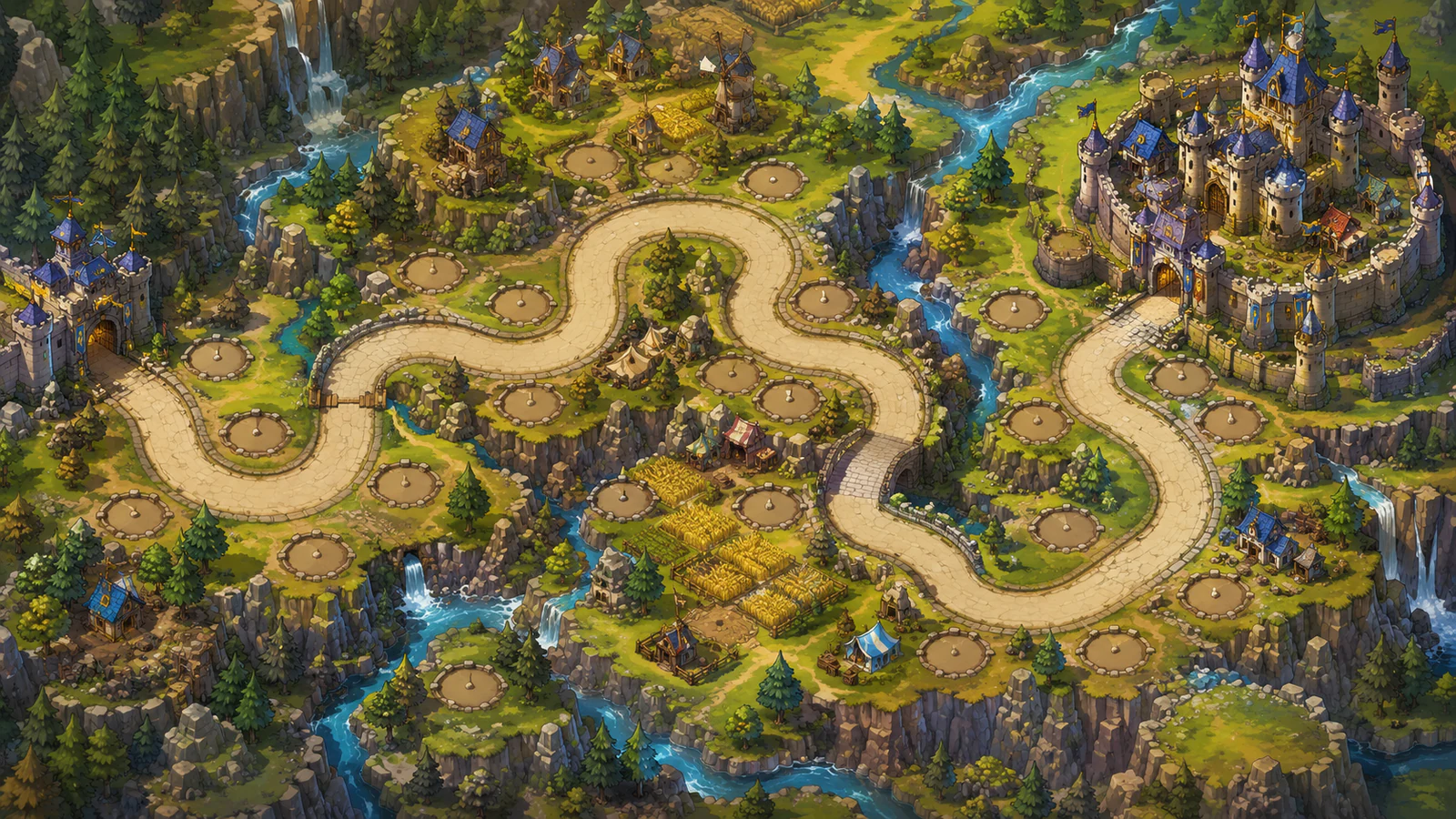
Generate top-down world maps for travel screens, region maps for individual zones, and dungeon floor plans for indoor exploration. Drop the PNG into RPG Maker's parallax background folder or use it as a Show Picture event in cutscenes — no tile-by-tile manual painting.

SRPG & Tactics Game Teams
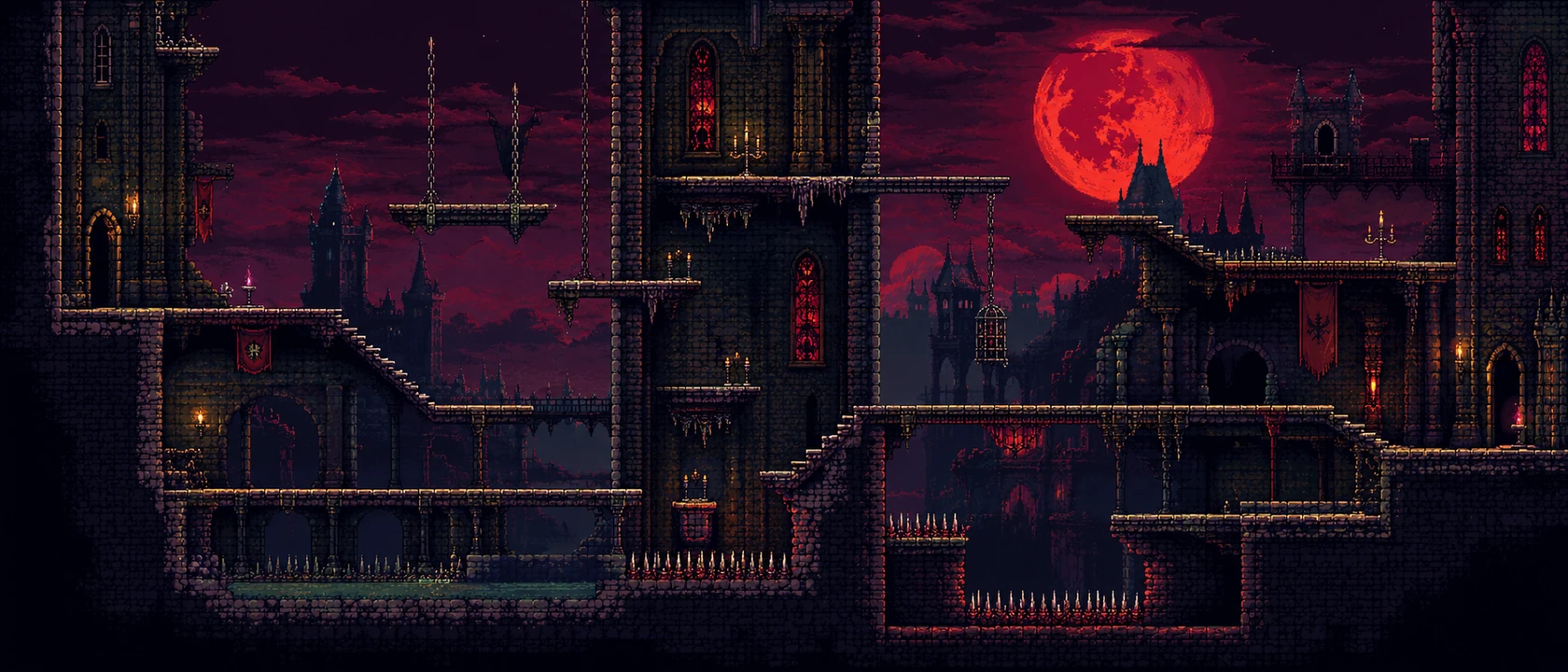
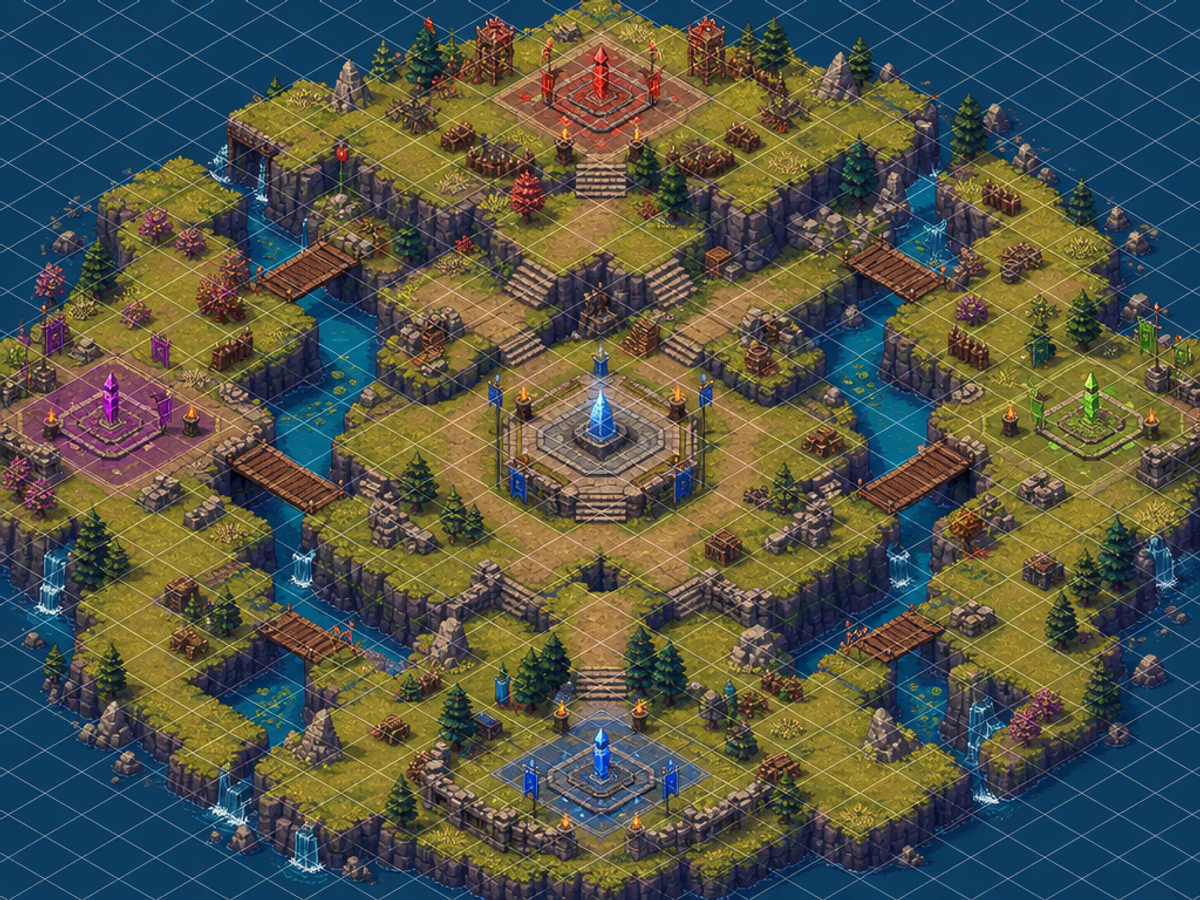
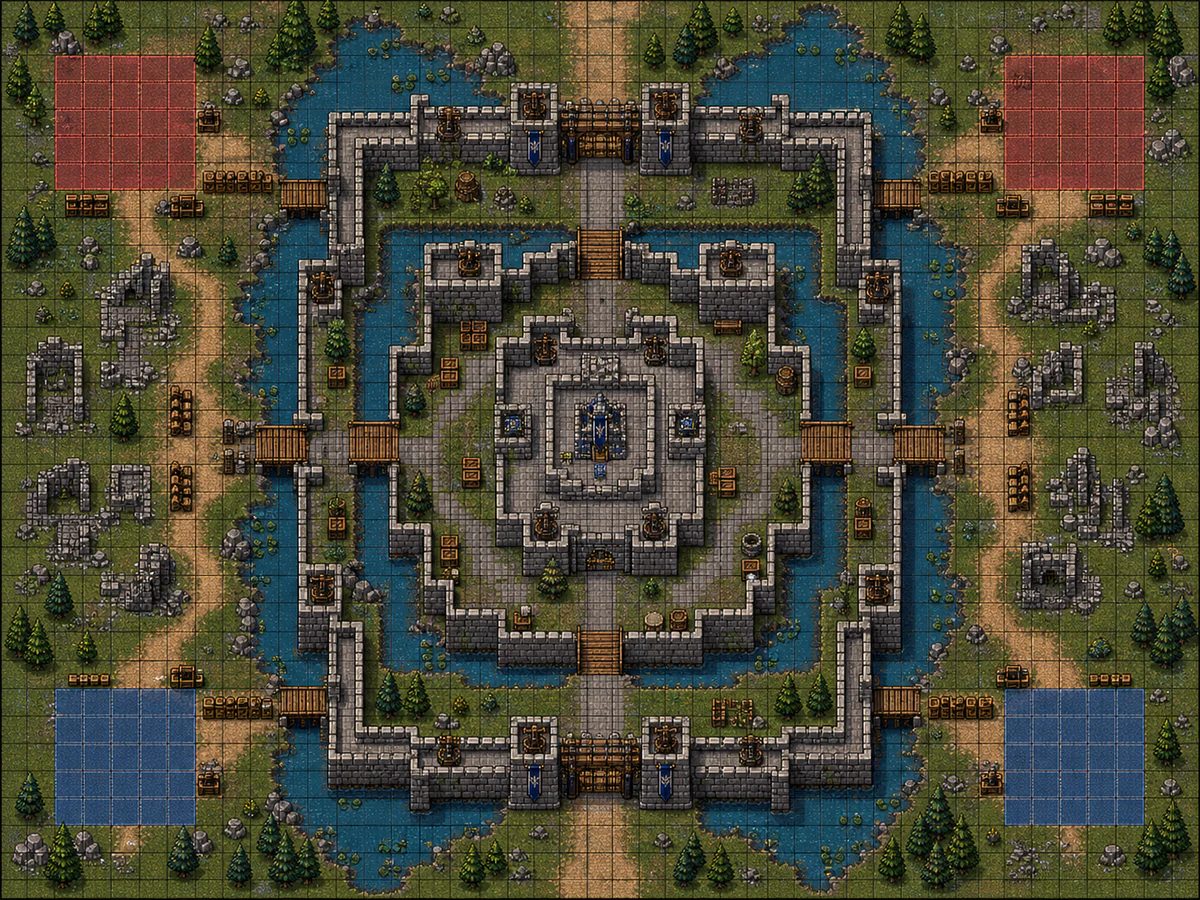
The Tactics Battle Map type with the grid overlay toggle outputs Fire Emblem / Triangle Strategy-style arenas with walkable terrain, blocked tiles, and elevation cues. The JRPG Battle Background type produces side-on environment art for Persona / Bravely Default-style combat scenes — no character clutter, no UI overlays.
Indie Pixel-Art & Stardew-Like Teams
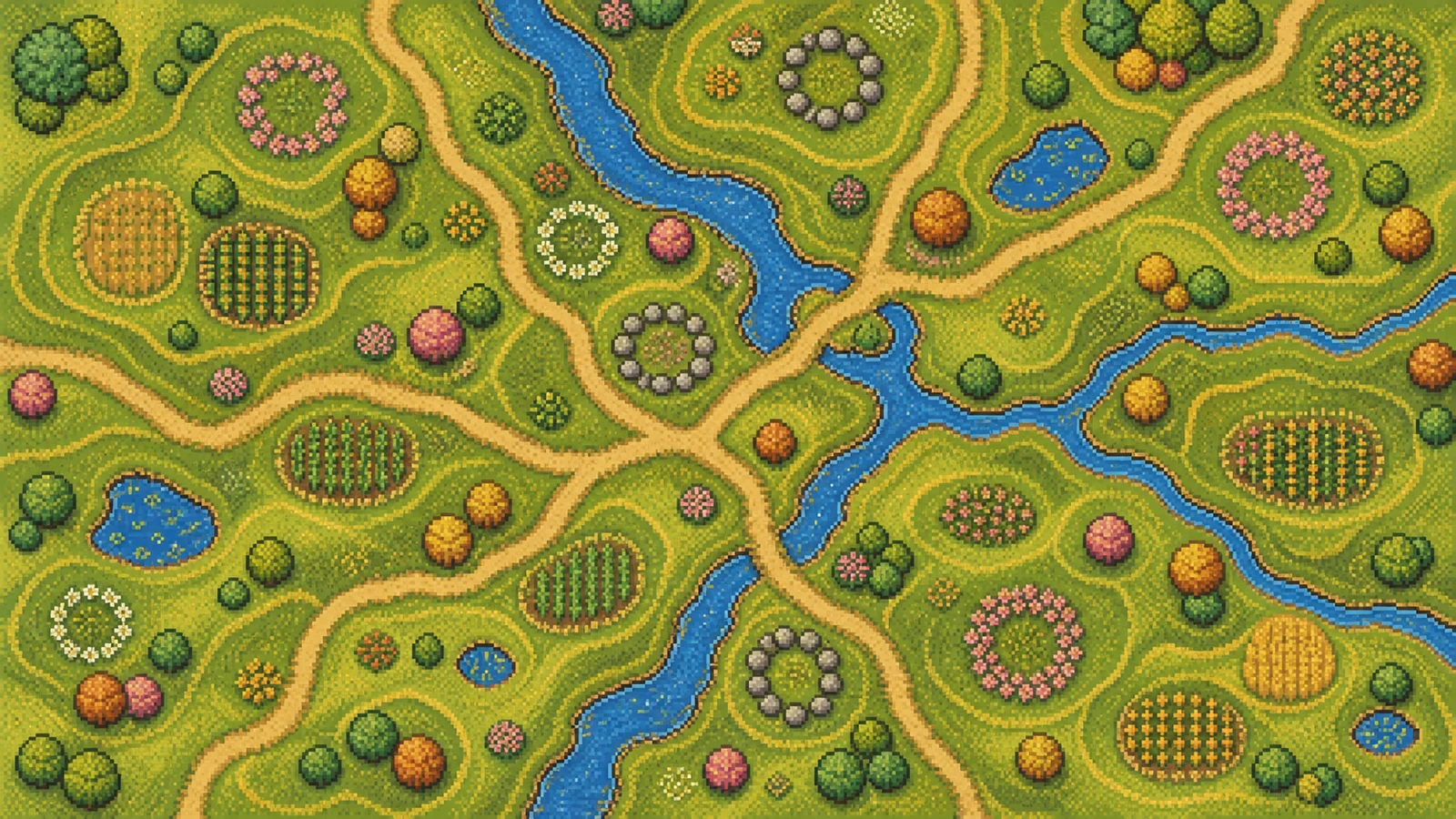
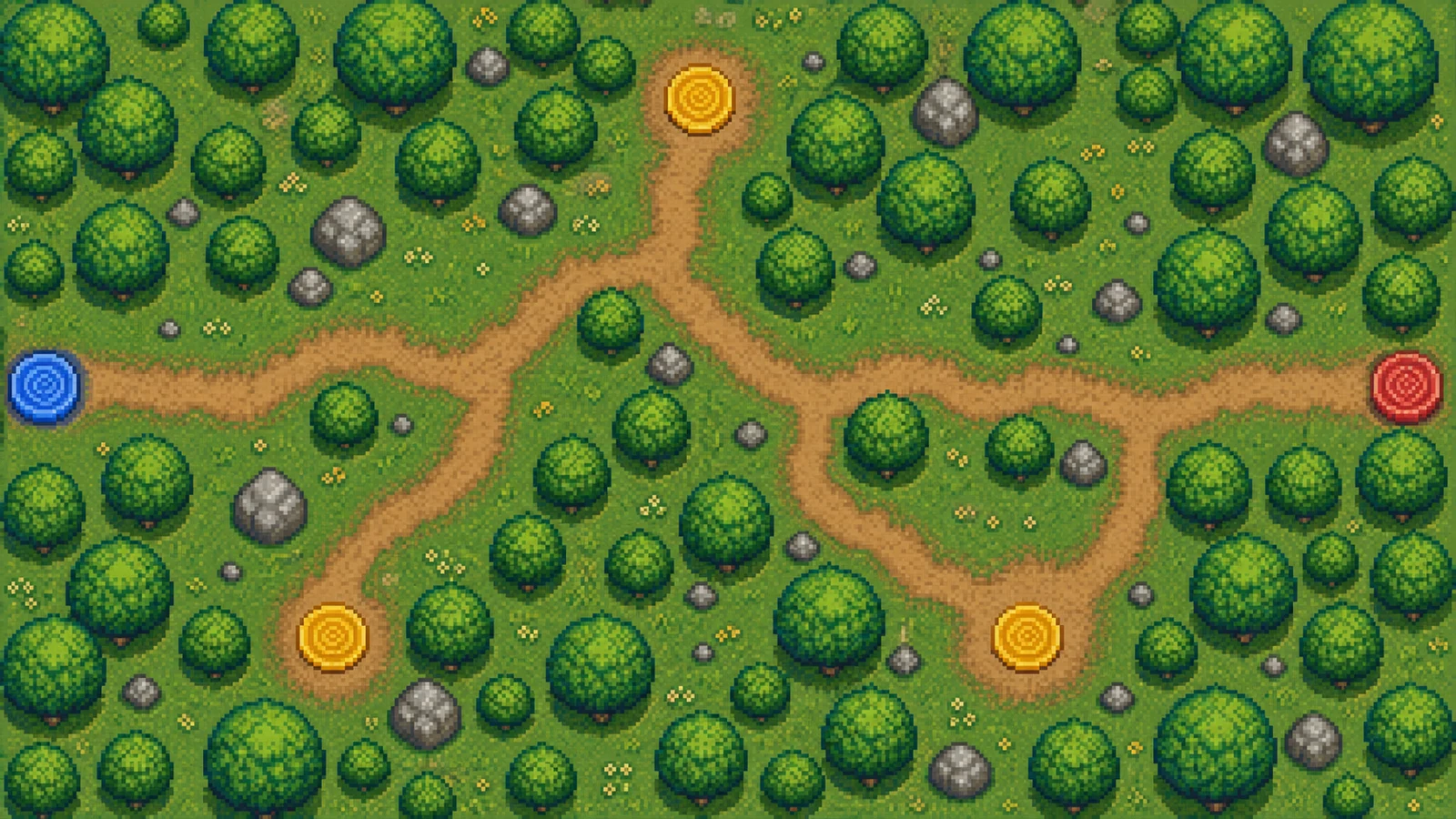
16-bit and 32-bit pixel-art presets match the aesthetic of Stardew Valley, Octopath Traveler, Sea of Stars, and Chained Echoes. Pair with biome chips (Forest, Coastal, Snow) and terrain features (Rivers, Roads, Bridges) to get one-shot world maps that pixel artists can clean up in Aseprite instead of building from scratch.

Roguelike & Top-Down Adventure Devs
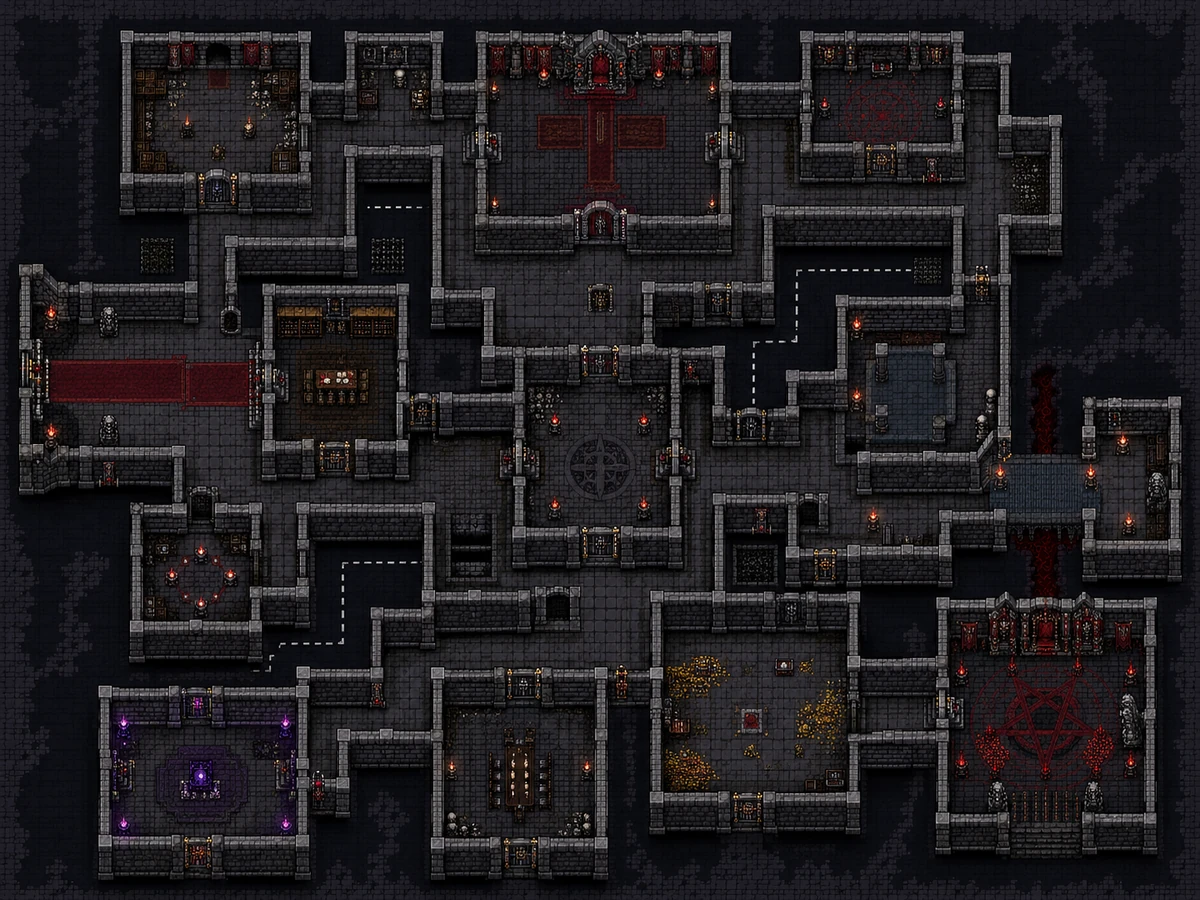
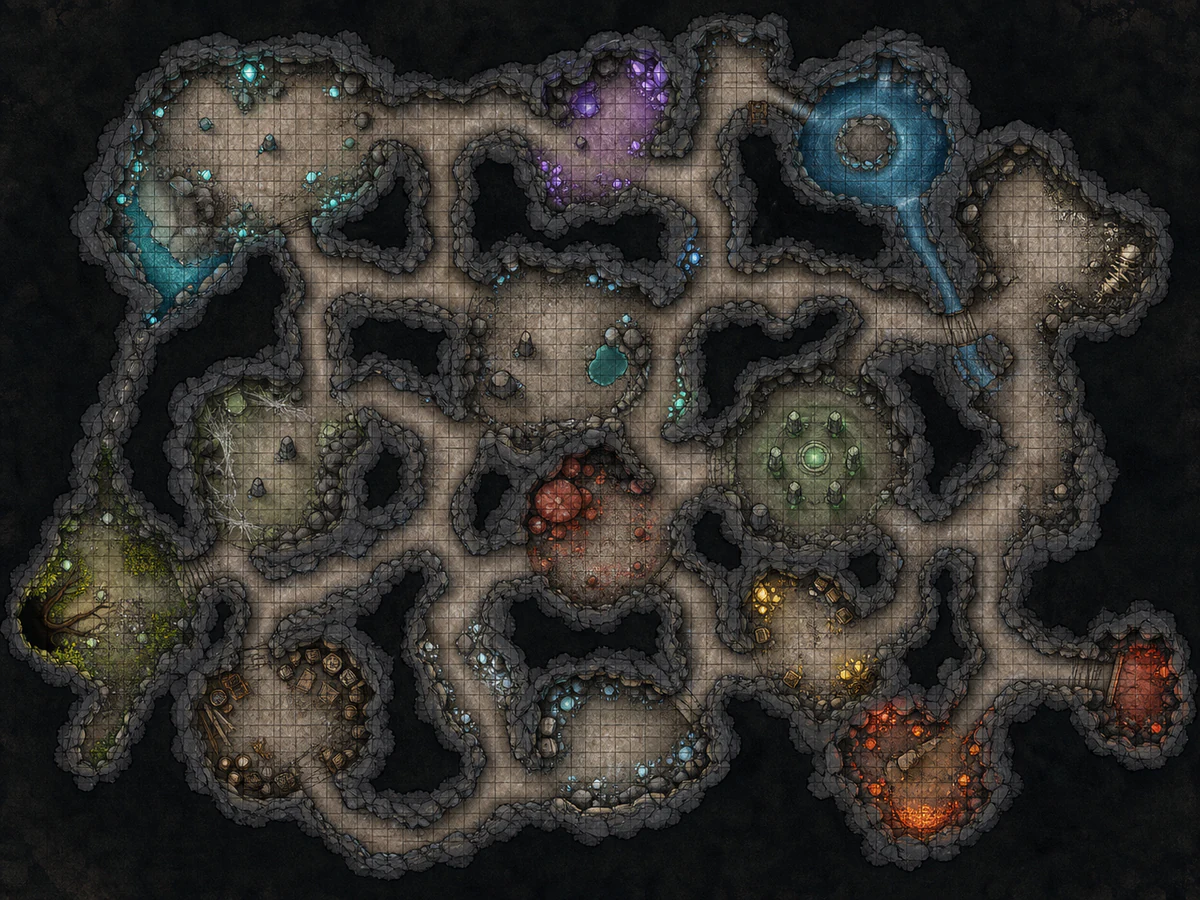
Region maps and dungeon floor plans for Zelda-likes, twin-stick shooters, and roguelikes. Toggle the grid overlay for tile-aligned dungeon floors. Combine biome chips with custom prompts ("abandoned mine", "crystal cave") to get level backdrops varied enough to feel hand-designed rather than templated.
From Blank Form to Finished Map in 3 Steps
No cartography skills required, no prompt engineering — pick parameters, click generate, drop into your engine.
Pick a Map Type
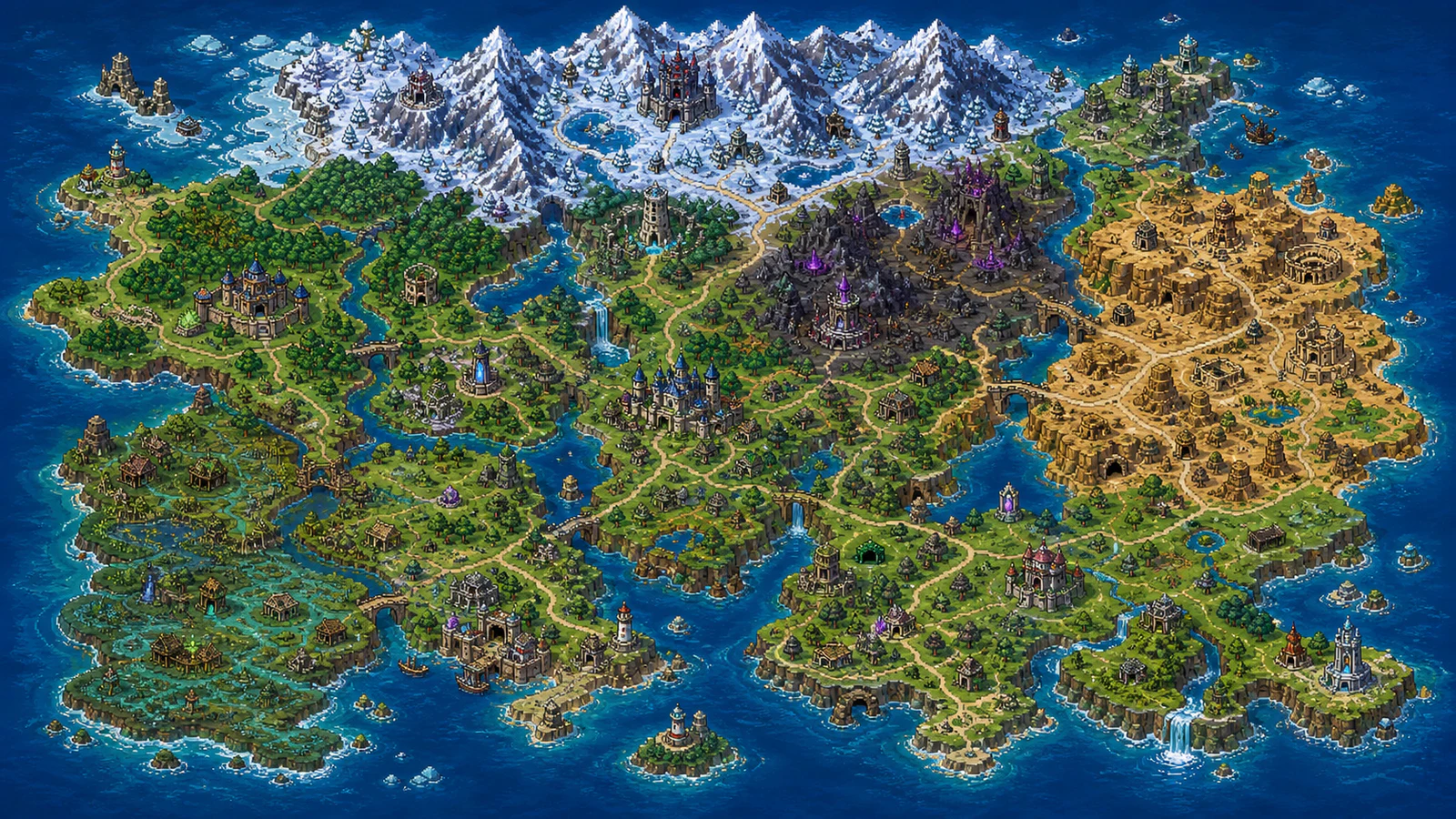
Choose World, Region, Town, Interior, Dungeon, Battle Background, or Tactics Battle. The form auto-adapts: aspect-ratio defaults switch (16:9 for world, 4:3 for tactics), and Labels / Grid Overlay toggles appear only for relevant types.
Set Style, Biome, and Terrain
Pick one of 8 art-style presets, add up to 3 biome chips and 5 terrain features, optionally upload up to 3 reference images, and write a custom prompt for any extra detail. The live credit cost updates as you switch resolution so you can plan spend before generating.

Generate & Download
Generation runs on GPT Image and finishes in roughly 60 seconds. Output resolution is tiered — 1K (5 credits, free tier), 2K (10 credits, Premium), or 4K (30 credits, Premium). Failed generations auto-refund.

Everything Your 2D Game Needs in One Map Generator
7 map types, 8 art styles, biome and terrain controls, reference-image guidance, and a transparent prompt pipeline — one tool, every map screen.

7 Game-Specific Map Types
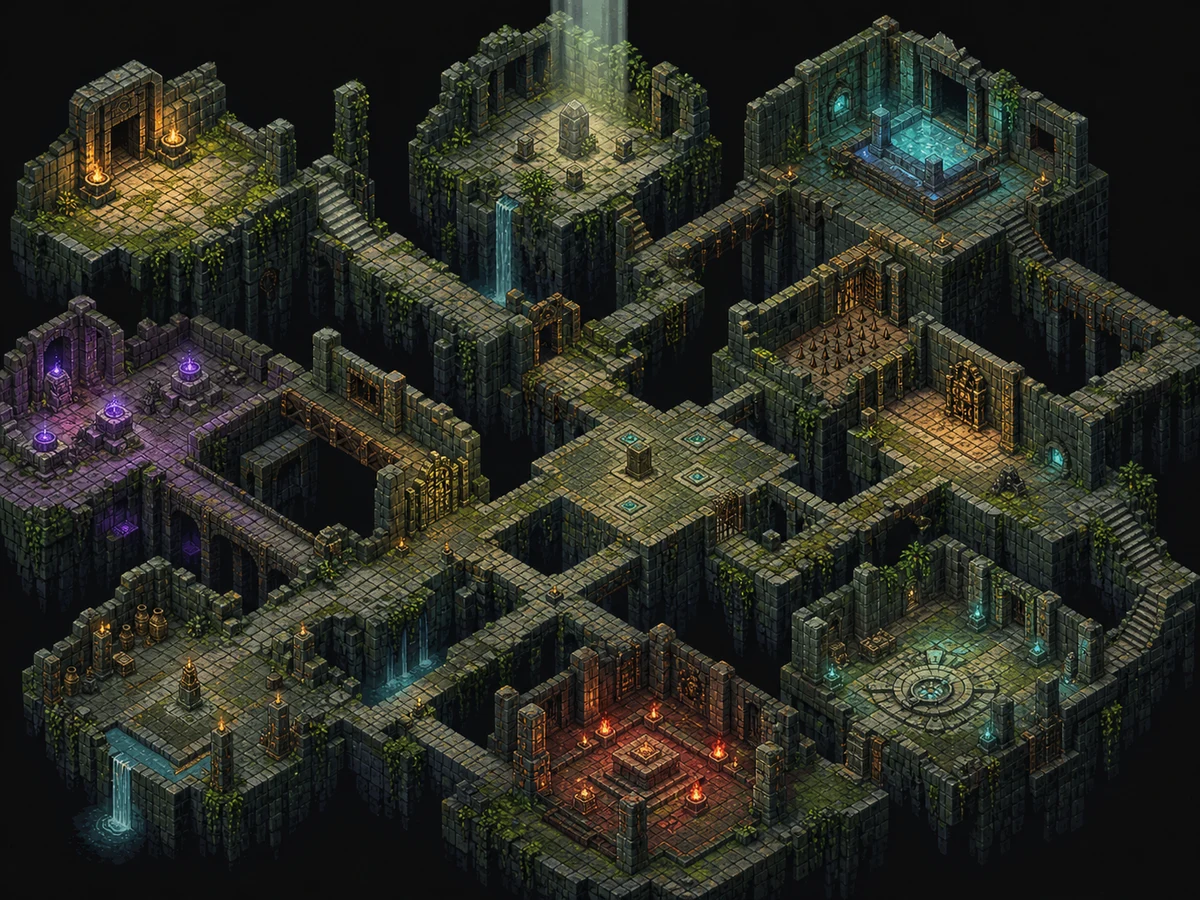
Most AI map tools are one-trick — fantasy world maps, nothing else. This one covers the actual cartography categories that 2D games ship: World Map, Region, Town, Interior, Dungeon, JRPG Battle Background, and SRPG Tactics Battle Map. Each type uses its own perspective and prompt template, so a top-down dungeon doesn't render like a side-on battle scene.

8 Art-Style Presets + Custom Style
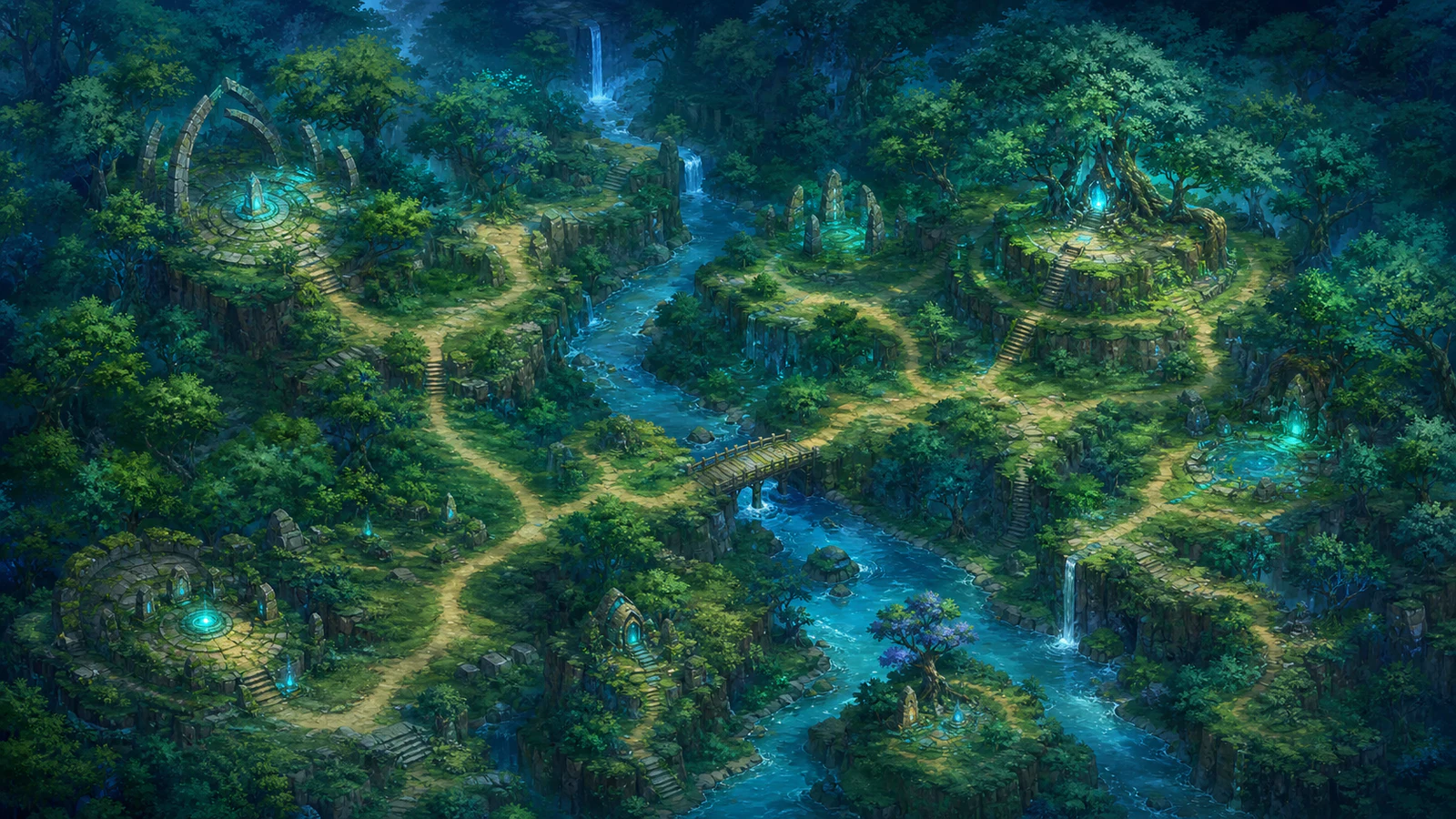
Pick the closest preset and stack any extra direction on top. Presets cover 16-bit pixel (SNES JRPG), 32-bit pixel (Octopath Traveler / Chained Echoes), hand-drawn 2D, anime/JRPG, sci-fi top-down, parchment, watercolor, and realistic top-down. The free-form custom-style field lets you write "in the style of Stardew Valley" or "like Hades concept art" without rebuilding the whole prompt.

Reference-Image Guidance (Up to 3 Images)
Drop up to 3 reference images alongside the prompt and the generator passes them to GPT Image's reference-image input as visual style and composition guidance. Match an existing game's aesthetic, carry over a palette from concept art, or lock the silhouette of a specific landmark — without writing a 200-word style description.

Tiered Resolution: 1K Free, 2K & 4K Premium
Pick the resolution your asset pipeline actually needs and pay only for that tier. 1K (5 credits) is open to every account for prototypes and pixel-art mockups; 2K HD (10 credits) and 4K UHD (30 credits) unlock with Premium for high-fidelity drops and retina-display engine integration. Failed generations auto-refund — never burn credits on a model hiccup.
Why Indie Devs Pick This Game Map Generator
Built for the 2D-game asset pipeline, not for D&D campaigns. Specific differentiators below.
7 Game Map Types vs. 1 Fantasy World
Fantasy map tools like Inkarnate, Azgaar, and FantasyGen output one shape: an overworld map for tabletop GMs. This generator covers the 7 cartography categories that 2D games actually ship — World, Region, Town, Interior, Dungeon, JRPG Battle Background, SRPG Tactics — each with its own perspective rules.
Auto-Refund on Failed Generations
Every failed generation refunds the credits automatically — no support ticket, no per-error cost, no waiting on a human. PixelLab, ZSky, and Pixa charge for guesses; this composer protects spend with auto-refund and a live credit-cost meter that updates as you switch resolution.
Reference Images Pass Straight to GPT Image
Up to 3 reference images upload to R2 and pass directly to GPT Image's reference-image input — not a CLIP encoding, not an embedding shortcut. The model sees the actual style of your reference and renders the new map to match.
Pixel + Modern Aesthetics in the Same Tool
Most generators force you to pick a vibe: PixelLab is pixel-only, FantasyGen is parchment-only. This generator's 8 presets span 16-bit retro through realistic top-down, so a single project can produce SNES-style overworlds and modern hand-drawn dungeons without switching tools.
Game-Asset Pipeline, Not Tabletop Maps
Output is a single PNG sized to your aspect ratio (16:9 for world, 4:3 for tactics and interior, 9:16 for portrait scenes) — drops into RPG Maker as a parallax background, into Godot as a Texture2D, into Unity as a Sprite. No D&D-specific Foundry/Roll20 export, no token grids, no fog-of-war layers — only what 2D games need.
Tiered Pricing — Pay Only for the Resolution You Need
5 credits for 1K, 10 credits for 2K HD, 30 credits for 4K UHD — pick the tier that matches your asset pipeline instead of overpaying for resolution you'll downscale anyway. 1K is open to every account; 2K and 4K unlock with Premium. Failed generations auto-refund regardless of resolution.
Try the AI Game Map Generator Now
From 5 credits per map at 1K — one prompt, a finished map in about 60 seconds. Free accounts get starter credits, no credit card required.
AI Game Map Generator FAQ
Direct answers to the questions indie game devs ask before generating their first map.
What kinds of game maps can the AI game map generator create?
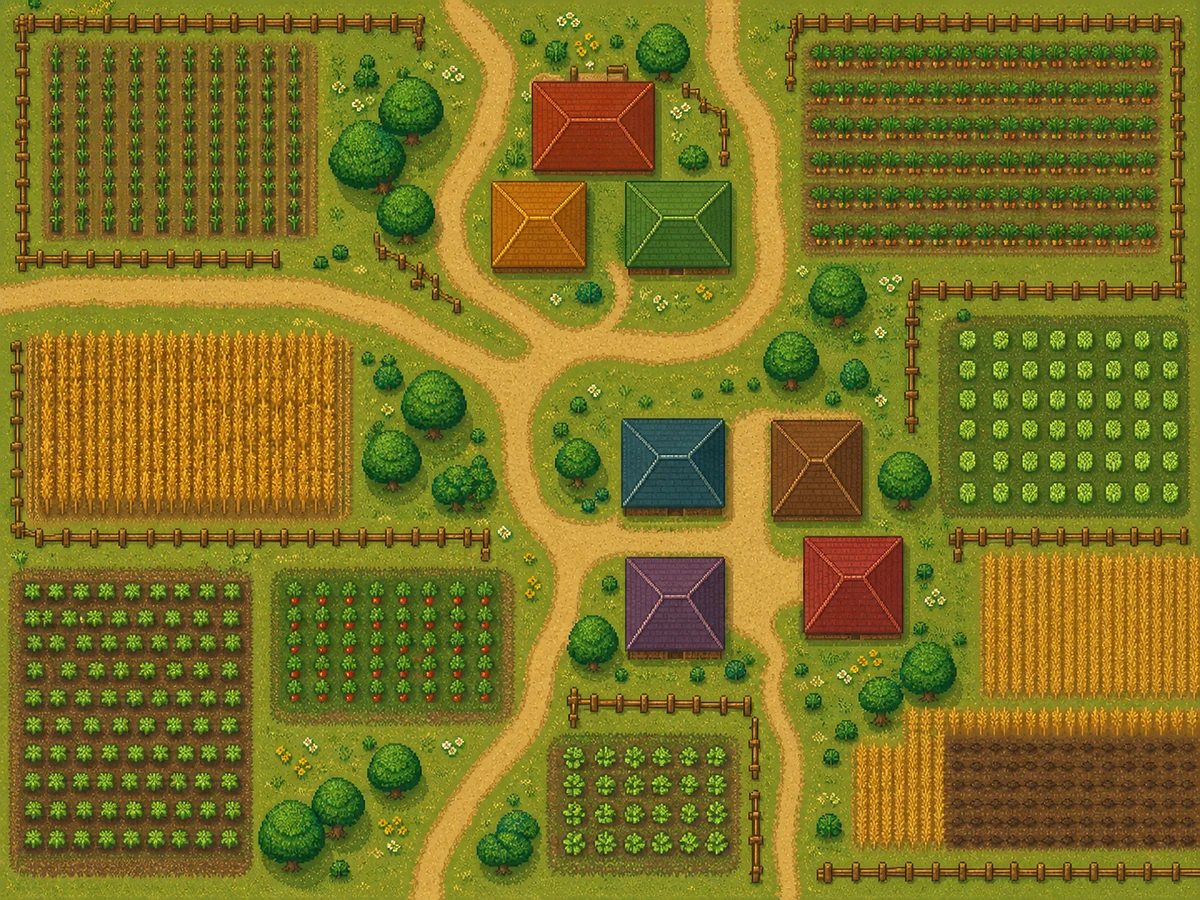
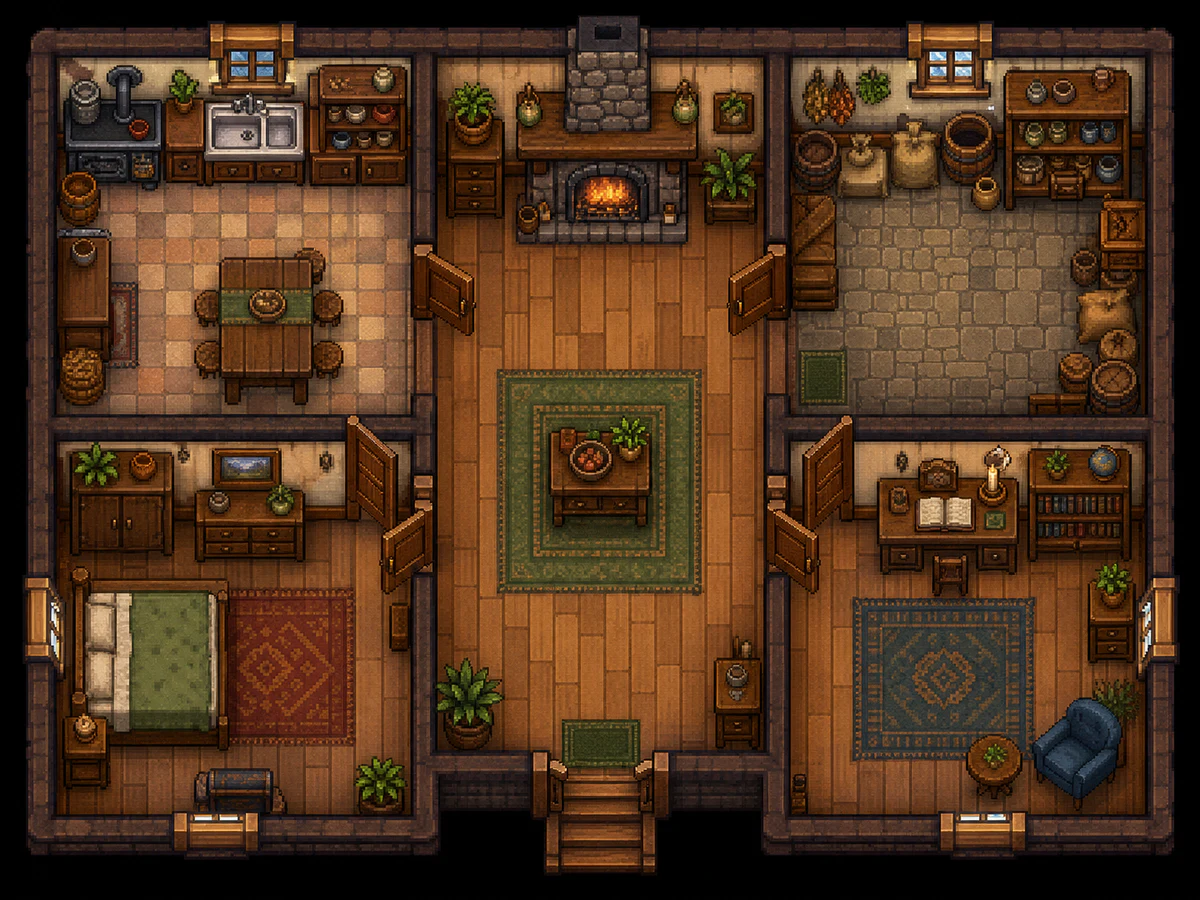
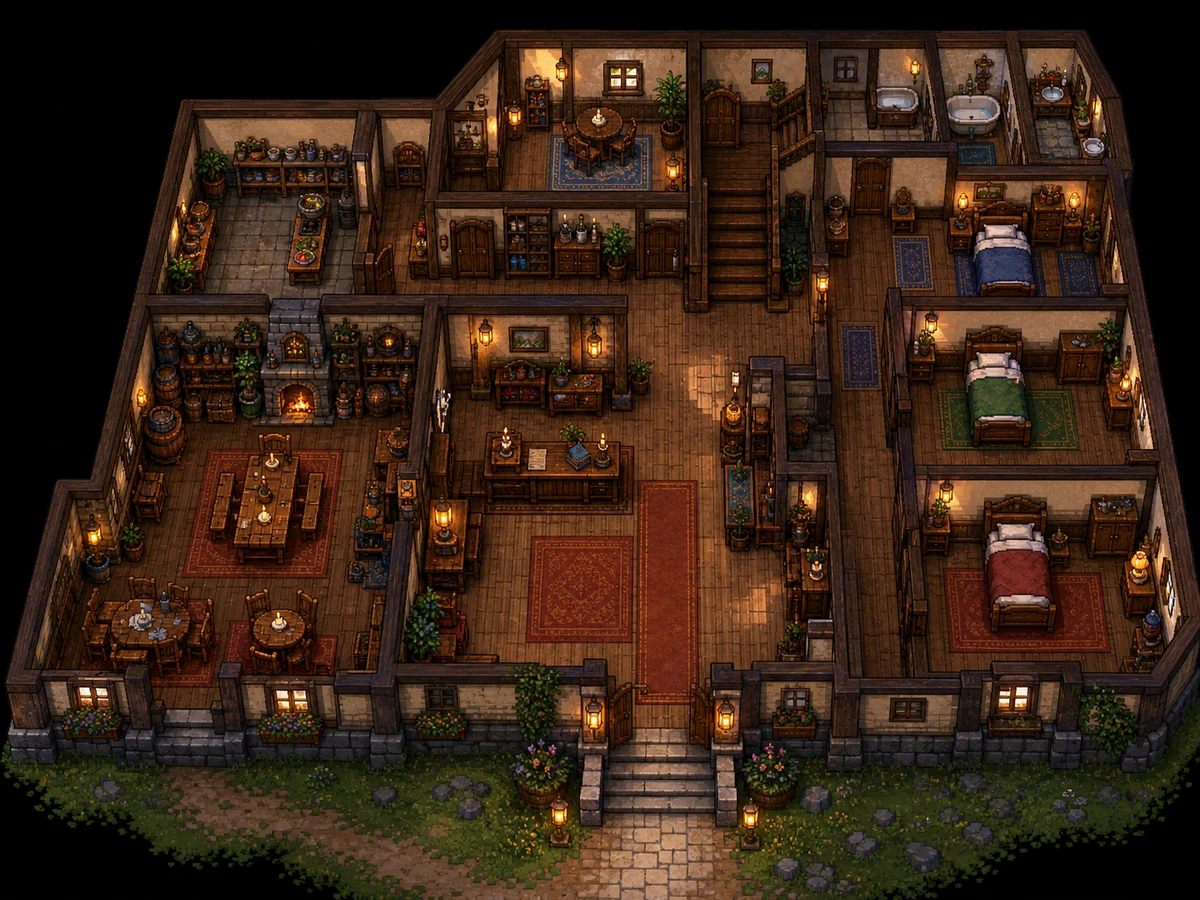
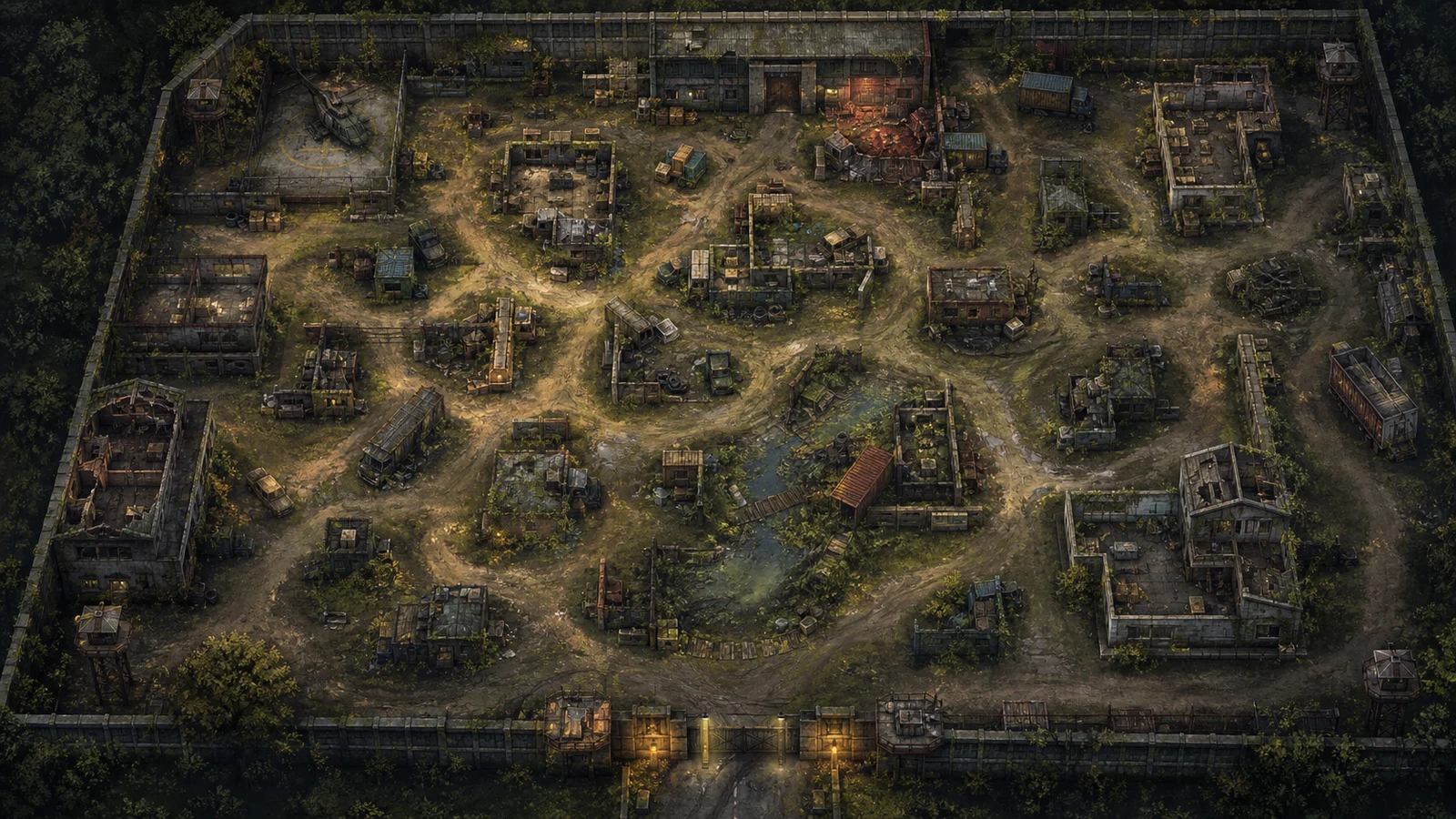
The AI game map generator covers 7 distinct map types: World Map (top-down overworld), Region (single zone like a forest or kingdom), Town / City (settlement with streets and buildings), Interior (single building floor plan), Dungeon (corridors and chambers), JRPG Battle Background (side-on combat backdrop), and SRPG Tactics Battle Map (grid-aligned arena). Each type runs through its own internal prompt template so the perspective, composition, and visual cues match what 2D games actually use.
Can I use this as an AI fantasy map generator for D&D or worldbuilding?
Yes — pick the parchment art-style preset combined with the World Map type and the output is a hand-inked fantasy world map suitable for D&D campaigns, novel worldbuilding, and tabletop session prep. The generator is built around indie-game asset workflows but the parchment / hand-drawn / watercolor presets all produce tabletop-ready output.
Does it work for pixel-art games like Stardew Valley or Octopath Traveler?
Pick the 16-bit pixel preset for SNES-era JRPG aesthetics (Final Fantasy VI, Chrono Trigger) or the 32-bit pixel preset for modern retro looks (Octopath Traveler, Sea of Stars, Chained Echoes). Add biome chips (Forest, Coastal, Snow) and terrain features (Rivers, Roads, Ruins) and the AI pixel map generator outputs a screen that pixel artists can clean up in Aseprite rather than tile-paint from scratch.
Can I generate AI battle maps with grid overlays for SRPGs like Fire Emblem?
Yes. Pick the Tactics Battle Map type and toggle the Grid Overlay switch. The output is a top-down arena with a clean square grid (≈24×16 cells), walkable terrain, blocked tiles, and elevation cues — sized for Fire Emblem, Tactics Ogre, Triangle Strategy, and similar SRPG combat scenes. The Battle Background type is the JRPG counterpart and renders side-on environment art instead.
How do reference images affect the generated map output?
Up to 3 reference images upload to R2 storage and pass directly into GPT Image's reference-image input alongside the assembled prompt. The model uses them as visual style and composition guidance — useful for matching an existing game's aesthetic, carrying over a palette from concept art, or replicating a particular hand-drawn studio style. Reference images are optional; pure text-to-map works too.
Will the generated map have place name labels like a fantasy cartography map?
Optional. Toggle the Labels switch for World, Region, Town, Interior, or Dungeon types and the generator includes hand-lettered pseudo-medieval place names. Battle Background and Tactics Battle Map types skip labels intentionally — combat scenes don't carry text. Note: text rendering on AI image models is best-effort, so expect occasional misspellings on dense label sets.
What file formats, aspect ratios, and resolutions does the generator output?
Output is a single PNG at the chosen aspect ratio: 4:3, 3:4, 16:9, 9:16, 3:2, 2:3, 21:9, 9:21, 2:1, or 1:2. Resolution tiers are 1K (5 credits, free), 2K (10 credits, Premium), or 4K (30 credits, Premium). 4K only generates real pixels for the wide / tall ratios — 16:9, 9:16, 21:9, 9:21, 2:1, and 1:2 — the other aspects are auto-disabled in the 4K dropdown. The PNG drops directly into RPG Maker MV/MZ as a parallax background, into Godot as a Texture2D, into Unity as a 2D Sprite, or into any 2D engine that accepts PNG textures. Square 1:1 output is intentionally not offered — the upstream model has compatibility issues with that ratio.
How much does one generation cost and what happens if it fails?
Pricing is tiered by output resolution: 5 credits for 1K, 10 credits for 2K HD, 30 credits for 4K UHD. The cost is the same across all 7 map types and all 8 art styles within a given resolution — no per-style or per-type surcharges. 1K is open to every account tier; 2K and 4K resolutions are Premium-only. Free accounts get starter credits on signup; paid plans add monthly top-ups. Failed generations auto-refund regardless of resolution.
Can I use the generated maps commercially in my game or product?
Yes. Maps you generate belong to you and ship in commercial games, prototypes, game jam entries, marketing material, novels, and tabletop campaigns without per-use royalties. The Premium plan unlocks 2K HD and 4K UHD resolution downloads, which most commercial 2D-game projects need for engine integration on high-DPI displays.