
AI Pixel Art Fixer for Cleaner Sprite Grids
Repair uneven pixels, remove mixels, and clean up blended edge colors in AI-generated sprites. Choose a PNG or JPEG, compare the result, and download the repaired PNG. Free, private, and runs in your browser.
AI Pixel Art Fixer
PNG, JPEG, or WebP · Up to 15 MB · Maximum 2048 × 2048 px
Start with auto-detect. If the result looks too coarse or too detailed, set the pixel size or the exact output size.
Results
What changes when you fix AI-generated pixel art?
Compare three AI-generated source images with PNGs produced by this fixer. Drag the divider or switch to a side-by-side view. Each example lists its actual repair settings and dimensions. Previews are enlarged; downloads keep the original file sizes.
Auto-detect grid · 16 palette colors
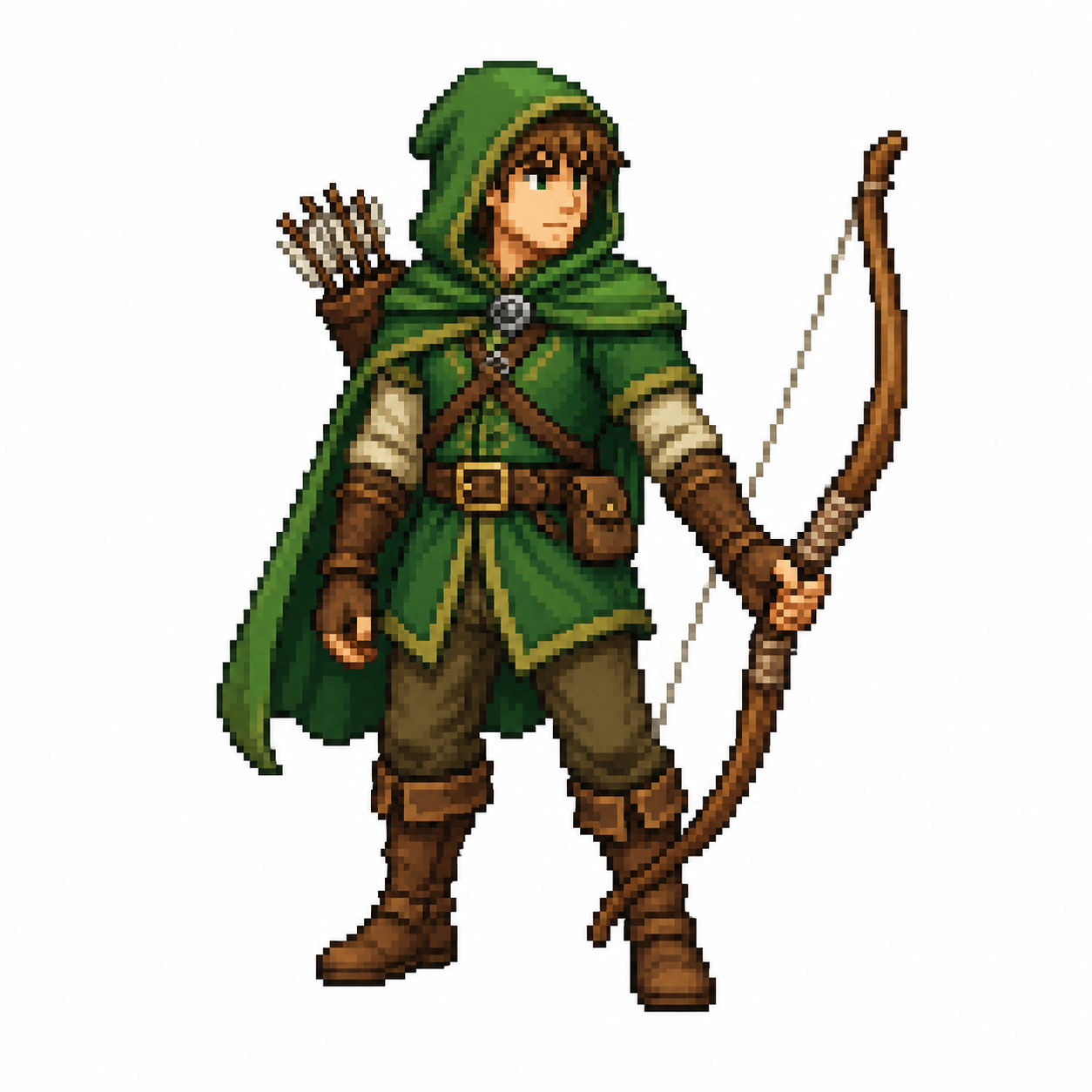
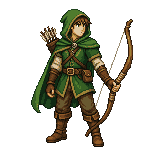
Character sprite: inspect the outline
The archer shows how grid repair changes a character silhouette. Compare the bow, hood, and small face details. At 16 colors, some neighboring shades merge, so review the result before adding it to a sprite sheet.
Auto-detect grid · 16 palette colors
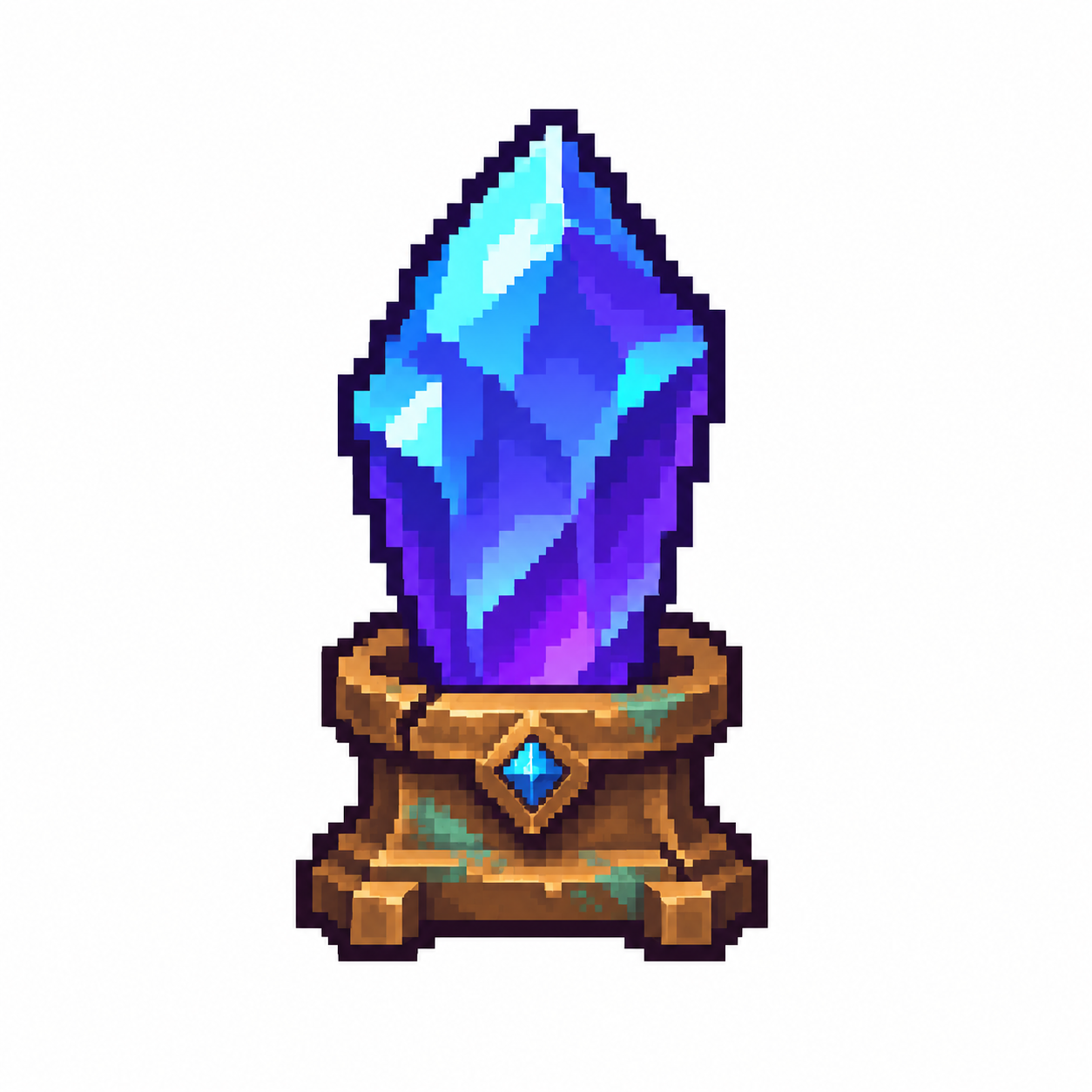
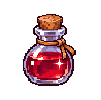
Item icon: compare highlights and colors
This newly generated mana crystal has bright facets and a detailed bronze base. The 16-color repair simplifies the palette and rebuilds the grid. Compare the small cyan highlights and the pedestal before choosing your own color count.
Auto-detect grid · 32 palette colors
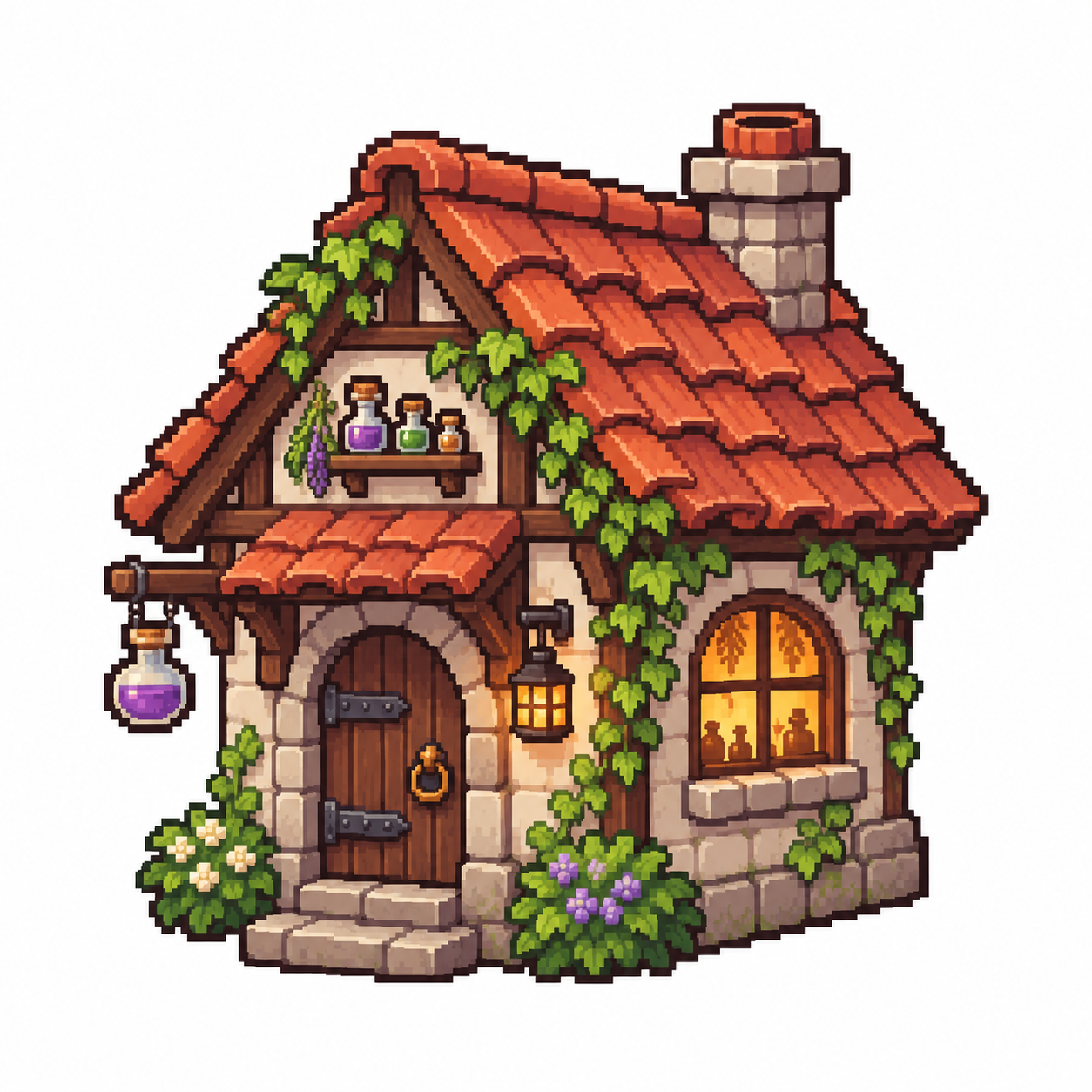
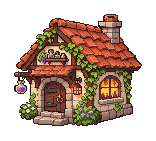
Environment prop: check the small details
The woodland cottage uses a 32-color repair to retain more of its roof, ivy, and stone shading. Inspect the window, bottles, and roof tiles in both views. Automatic grid detection changes the output dimensions, so check the result at the size your game will display.

What does the AI pixel art fixer repair?
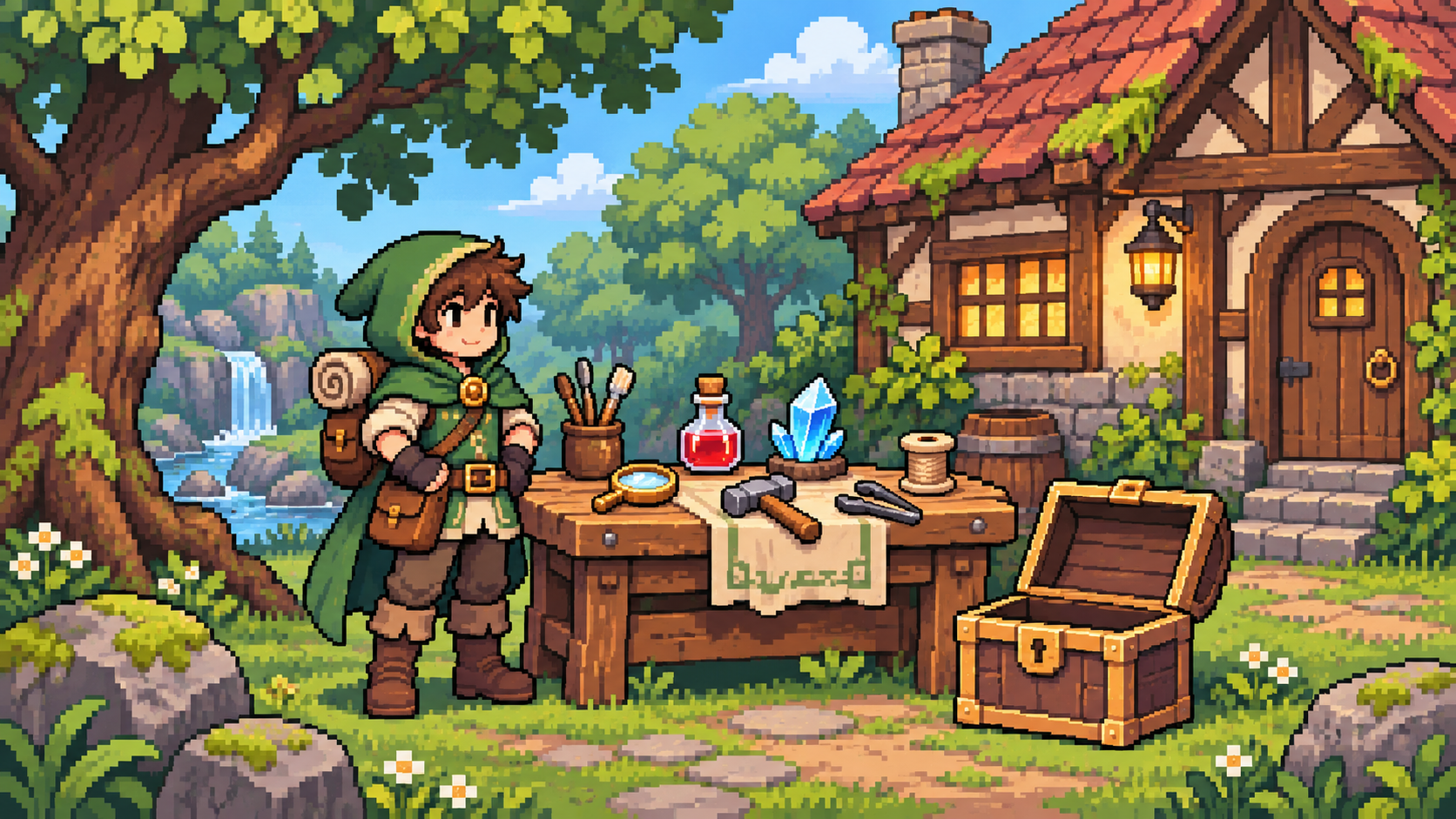
How can you clean uneven pixels and blurry edges?
Align off-grid pixels with automatic or manual sizing
Start with auto-detect to estimate the grid behind an enlarged sprite. If the result looks too coarse or too detailed, set the source pixels per grid cell manually. An 8-pixel setting describes the source cell size, not an 8 × 8 output image.
Rebuild mixed-size pixels on one grid
Mixels are pixel-like blocks with inconsistent sizes inside one image. Grid resampling turns each detected cell into 1 output pixel to make those blocks more consistent. A sprite with several competing grids may still need manual edits around faces, outlines, or narrow objects.

Reduce blended edge colors with a smaller palette
Choose 8, 16, 32, or 64 palette colors to reduce shading and blended edge colors. Start at 16, then try 32 or 64 if small highlights disappear. Palette reduction can change the original colors; this page does not offer a custom palette or a grid-only repair mode.
Compare the repair and download its native PNG
Drag the before-and-after slider to inspect the same sprite, then check the reported output width and height. The preview is enlarged for comparison. Download PNG saves the actual repaired dimensions; use nearest-neighbor scaling when you need a larger display size.