
AI Tileset Generator for Connected Game Terrain
Start with a free 4 × 4 corner template. Describe the terrain and optional background material, choose an art style, then generate a 16-tile PNG for your game.

How Does This AI Tileset Generator Connect Terrain?
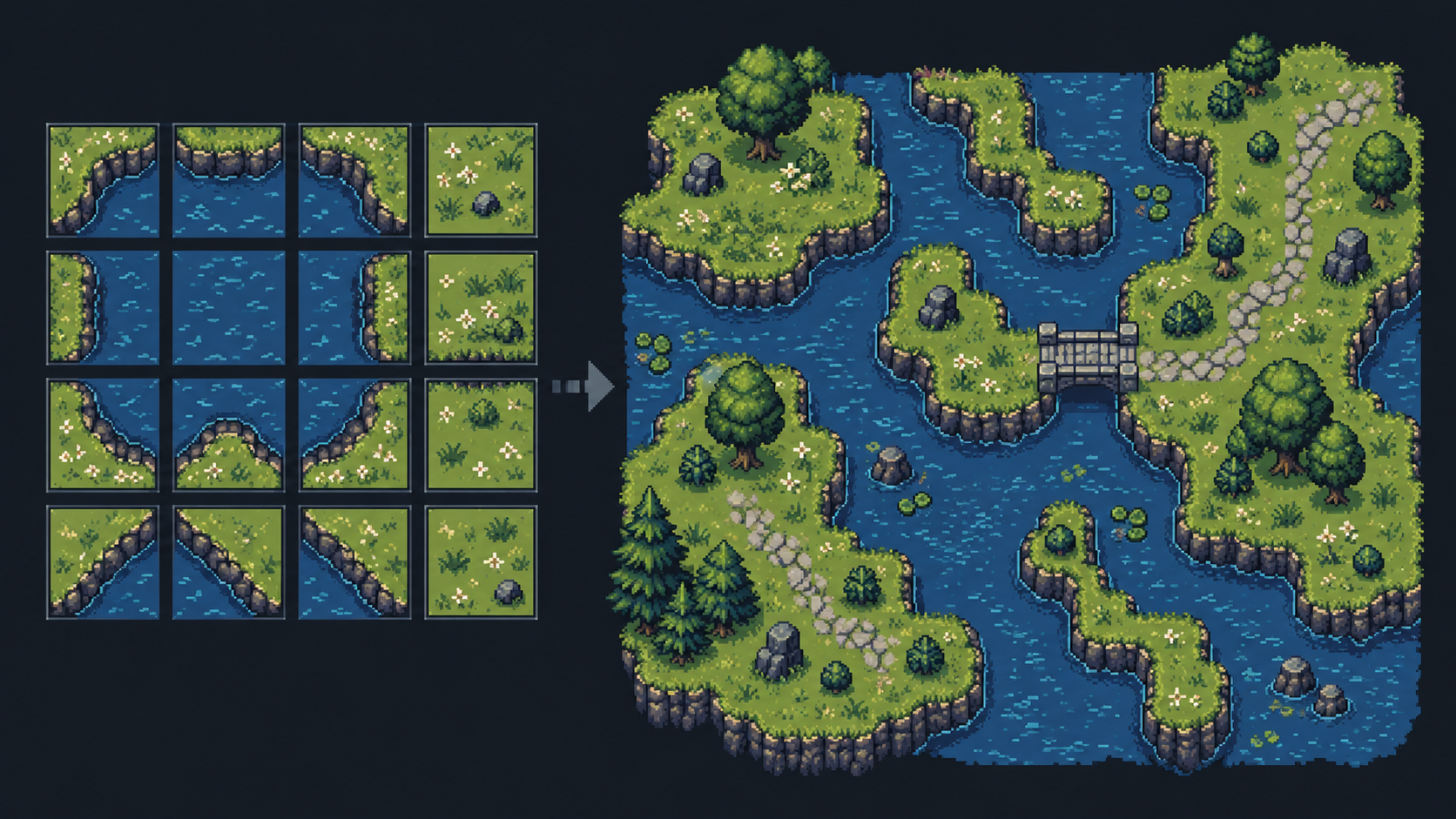
A fixed corner layout keeps the shape of each tile clear from preview through export.
Where a 16-Tile Game Tileset Fits
Use one corner-based sheet to explore a terrain style and test it in a 2D map.
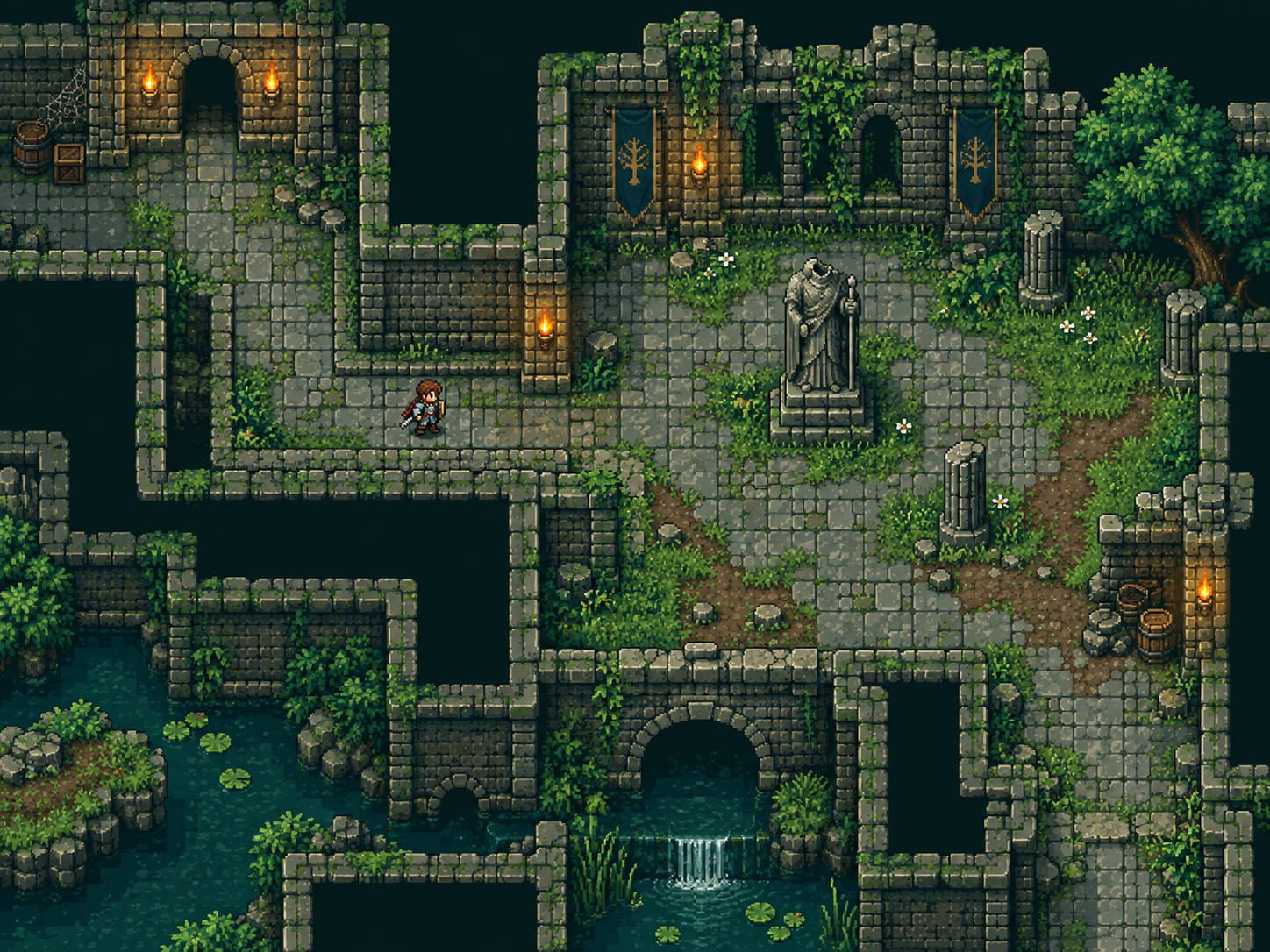
Top-Down RPG Floors
Describe grass, stone or dungeon flooring, then place the 16 connected tiles around paths and rooms. Review the AI texture at map scale before polishing it in a pixel editor.
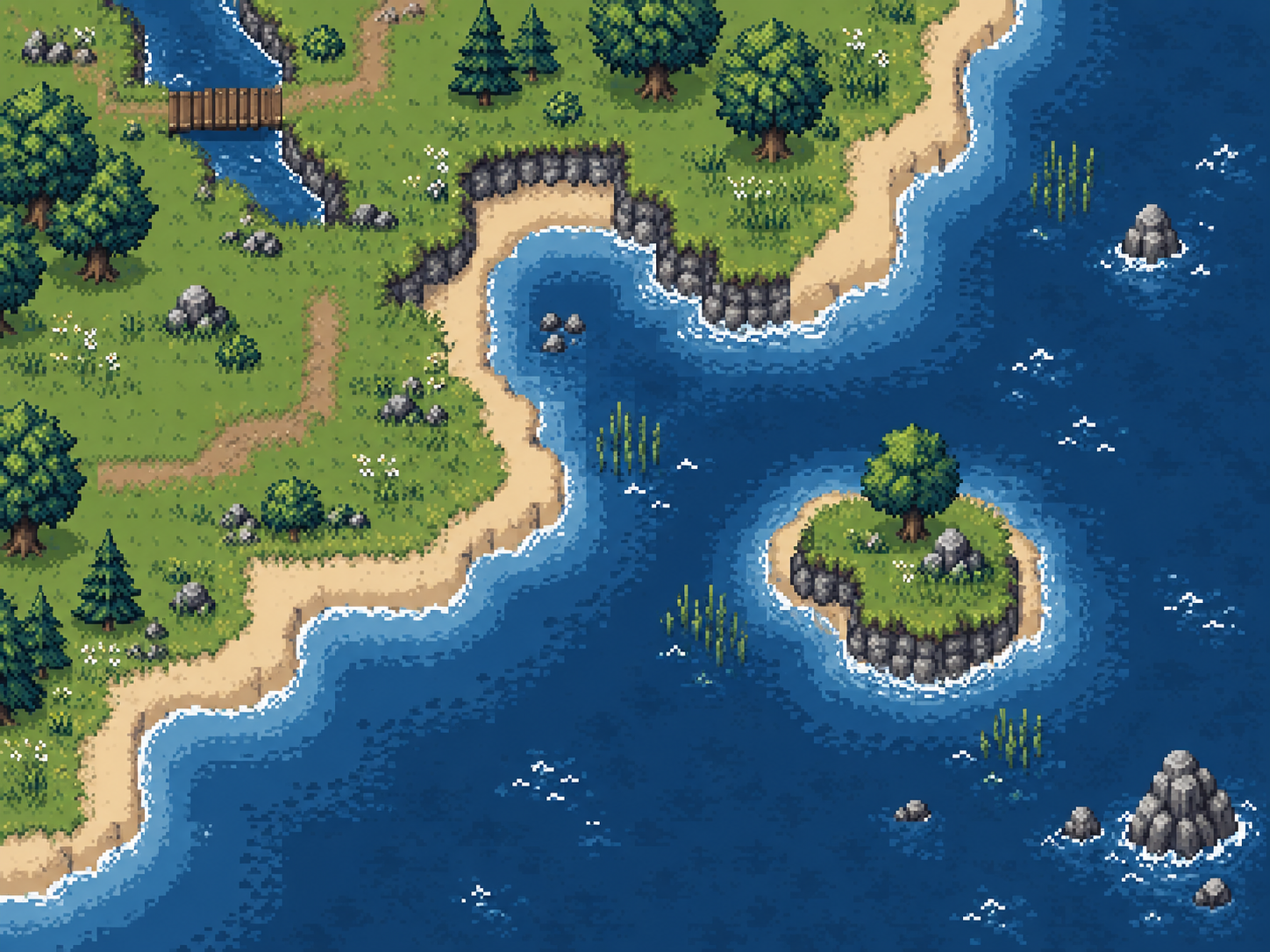
Shorelines and Material Borders
Describe land in the filled region and water, lava or another material in the background. Use the corner variants to inspect concave shores and diagonal joins.
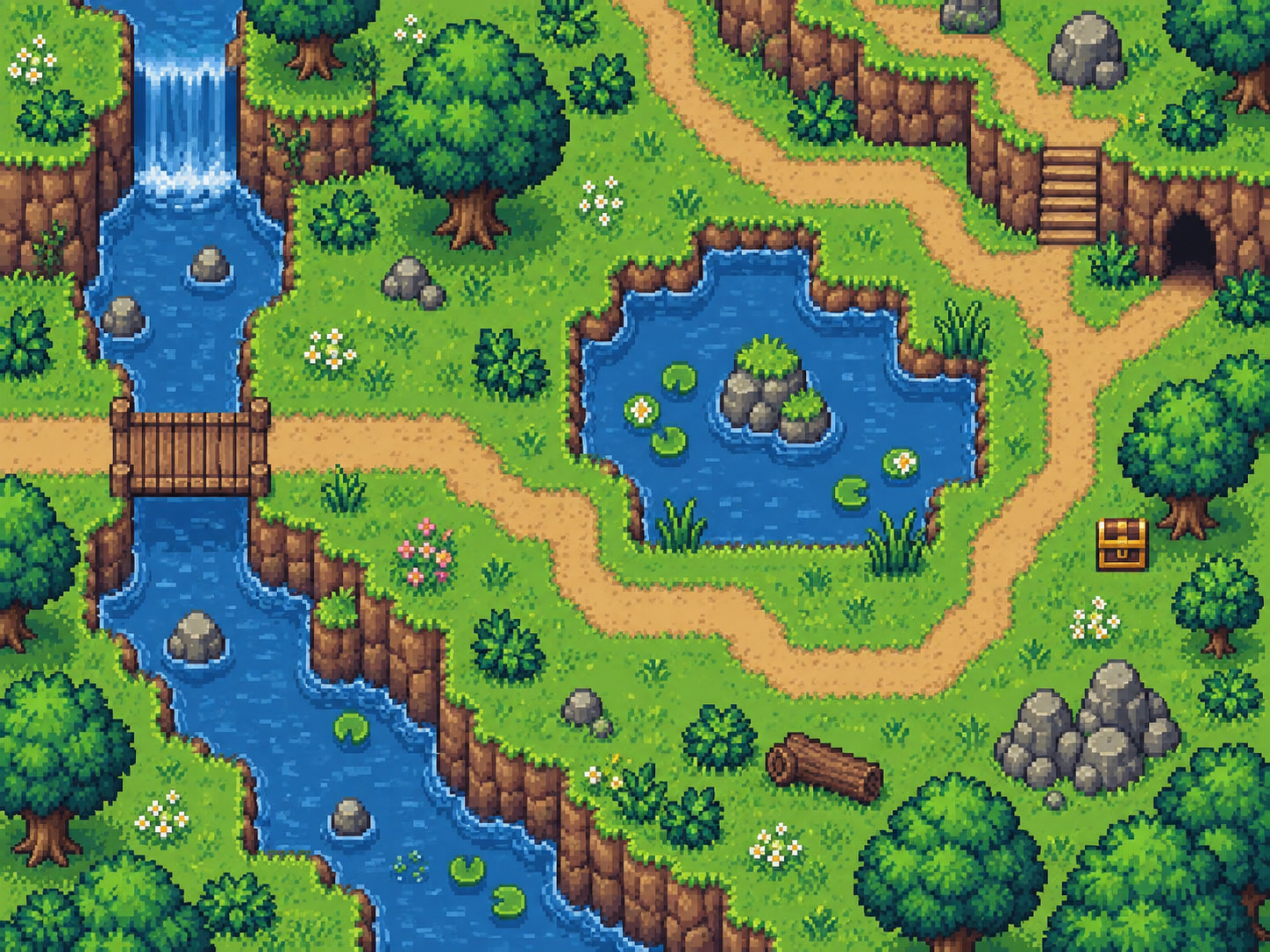
Game Jam Terrain
Start from the same free 4 × 4 base each time, change the material text and style, and compare complete atlases. Export individual PNGs when one cell needs manual cleanup.
Make an AI Terrain Tileset in 3 Steps
The base preview is free; AI refinement begins only when you submit a generation.
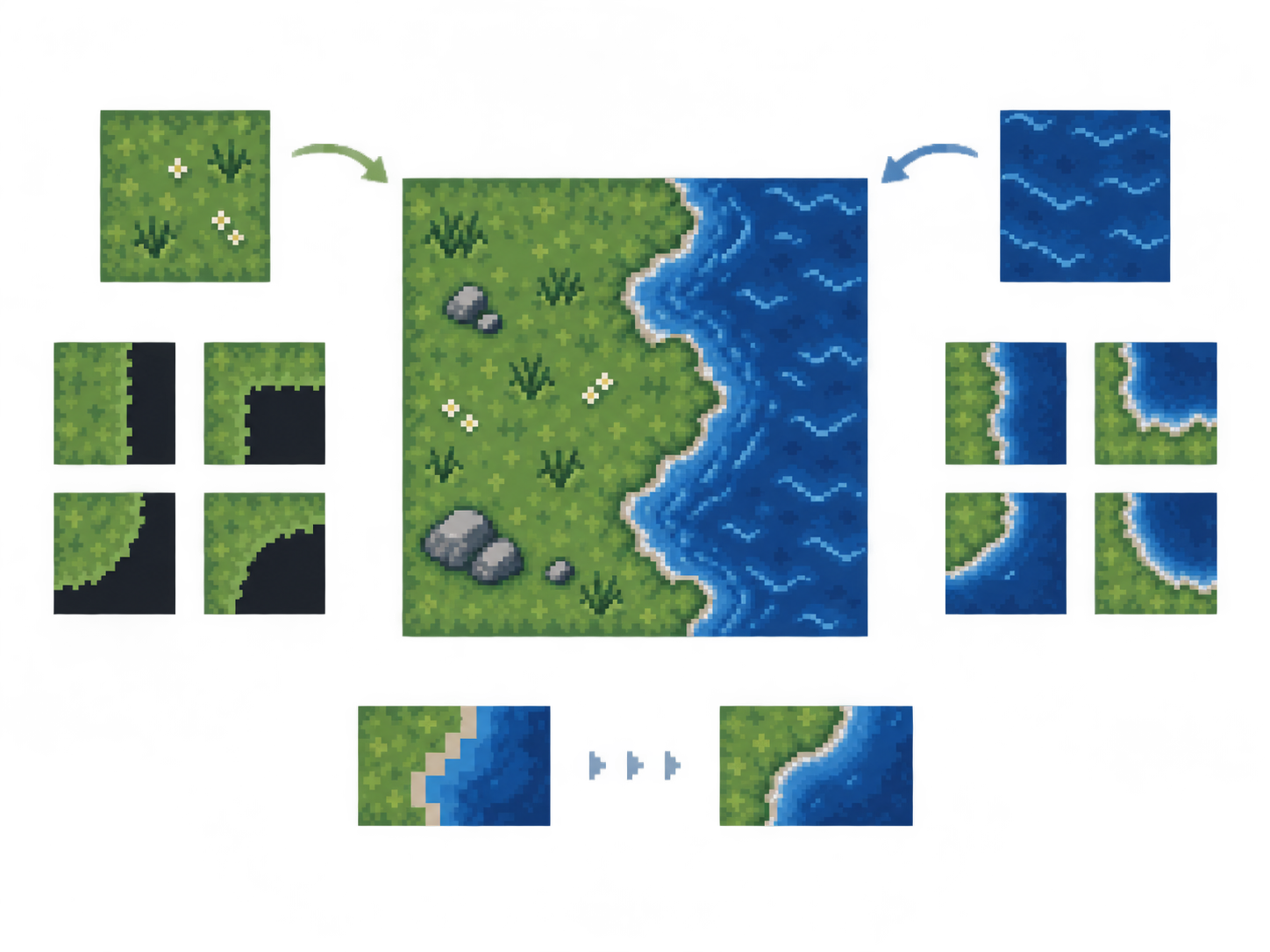
Describe Terrain and Edges
Enter the main material, choose transparency or a second material for the gaps, and adjust cliff height by percentage, edge roughness and connection strength while the base preview updates.
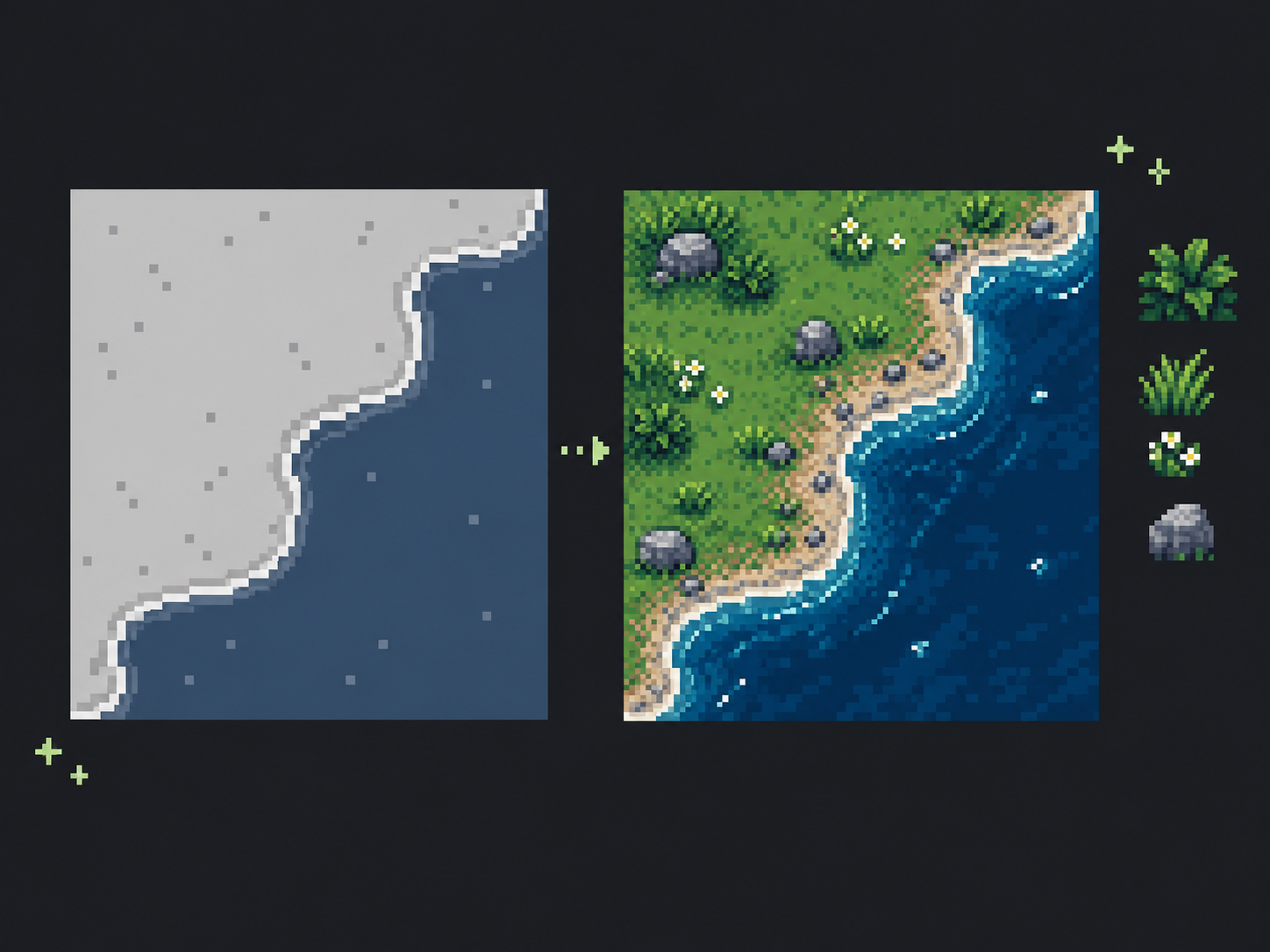
Choose a Style and Generate
Pick a preset, write a style direction or upload a reference image. Submit the fixed 16-tile base for AI texture refinement at 1K for 2 credits or 2K for 4 credits.
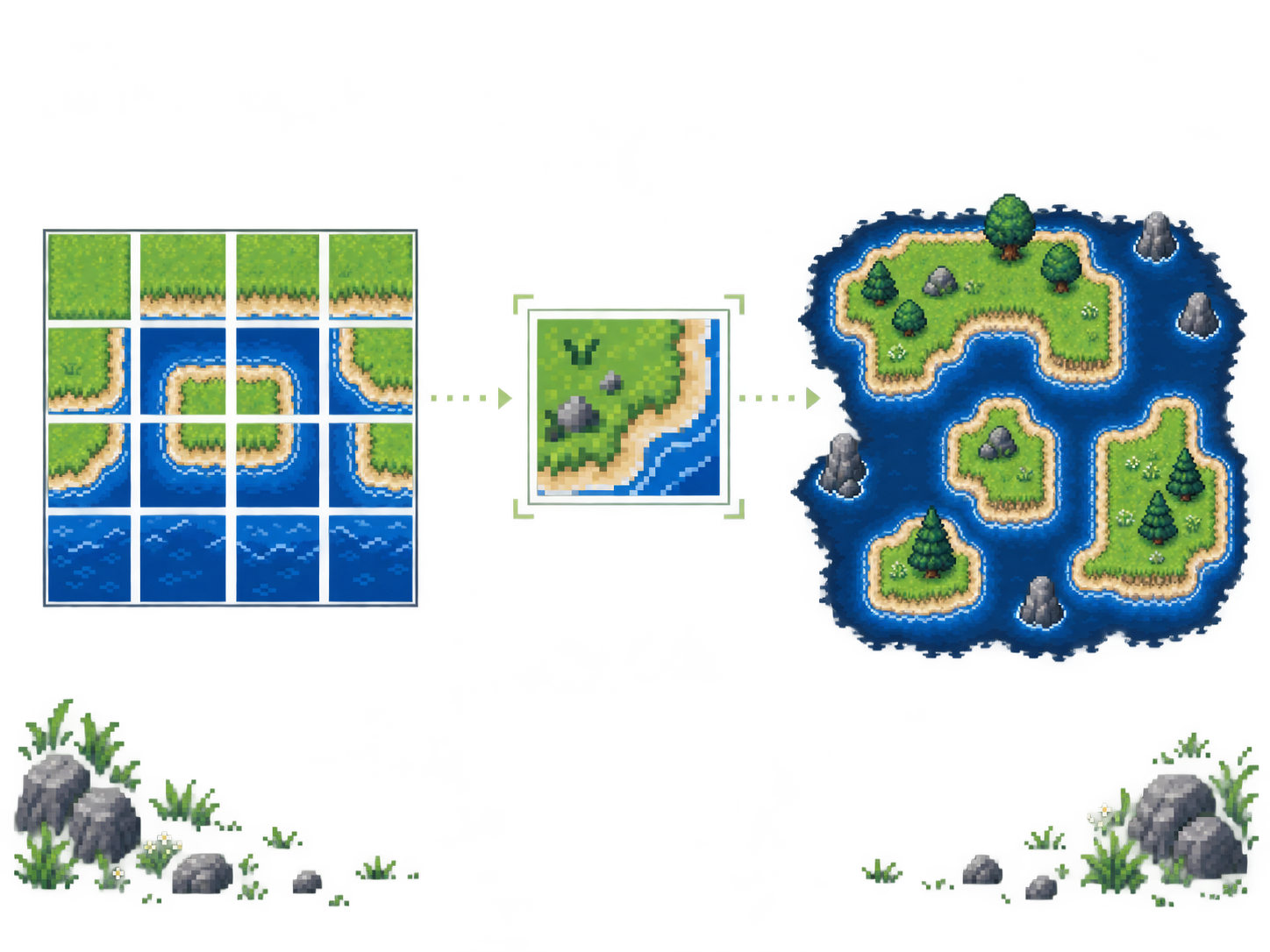
Inspect Tiles and Export
Check the atlas and each tile, then download PNGs or a Godot 4 or Tiled package. Import the tiles into your engine and paint a small map to spot visible texture seams.
Build a Connected 16-Tile Terrain Sheet
Keep terrain connections fixed while you choose the materials, visual style and export format.
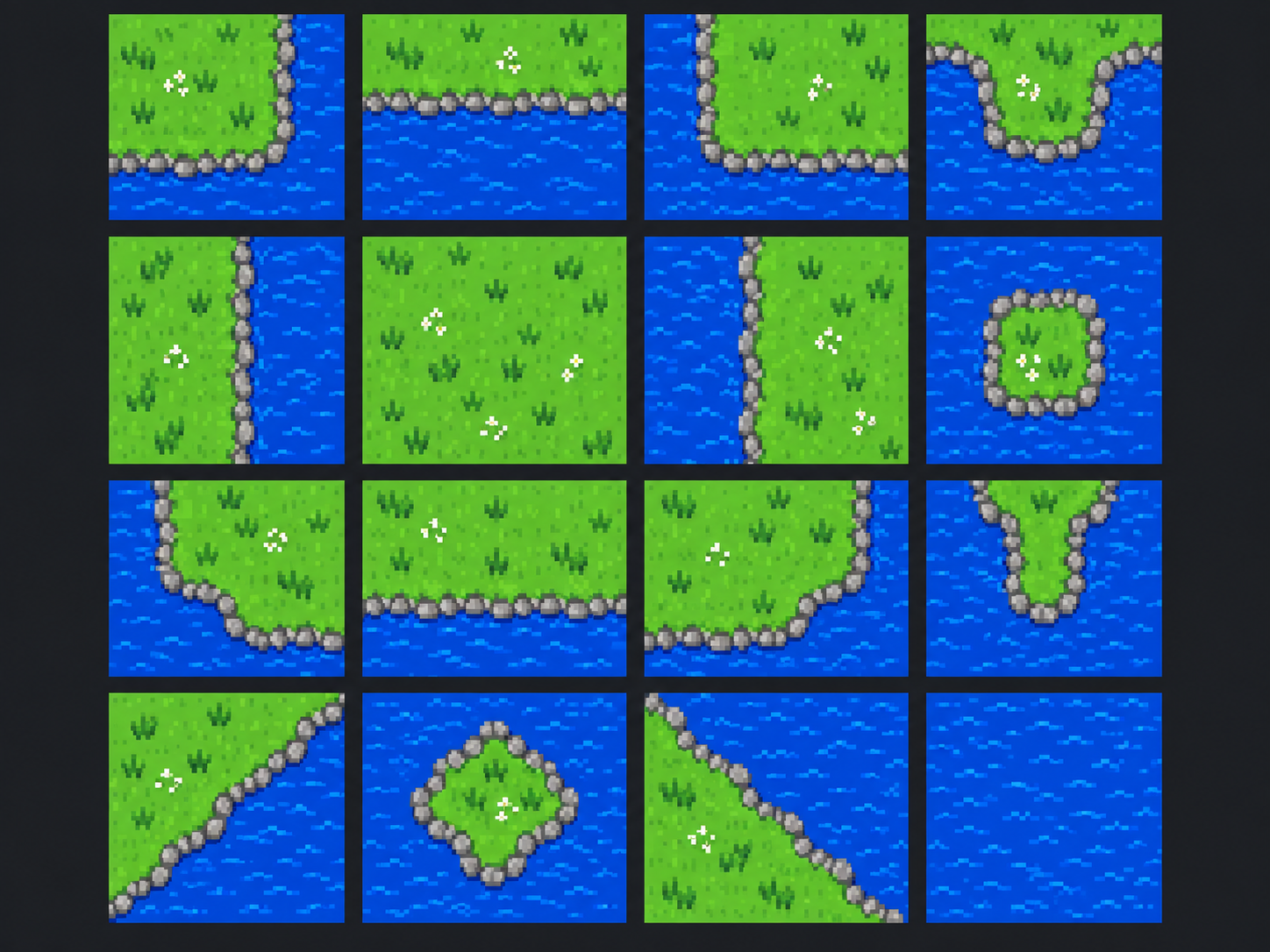
All 16 Corner Combinations
The fixed 4 × 4 sheet includes outer corners, edges, inner corners, diagonal connections, full terrain and full background. Every cell keeps the same corner meaning during AI refinement and export.
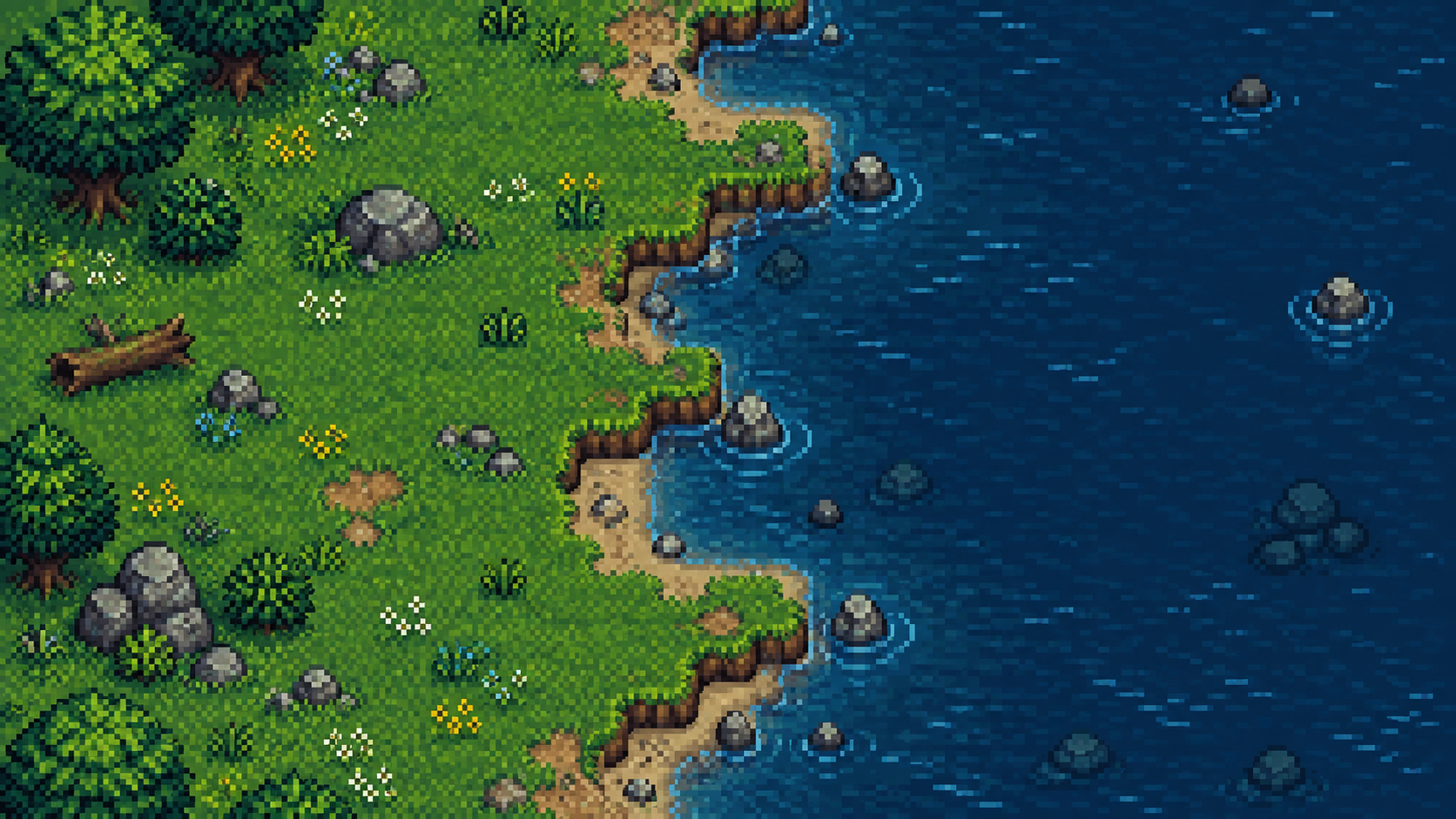
Two Material Descriptions
Write the terrain material as text, then leave the other region transparent or describe a second material. Presets fill the text field, so you can replace grass, water or lava with your own wording.
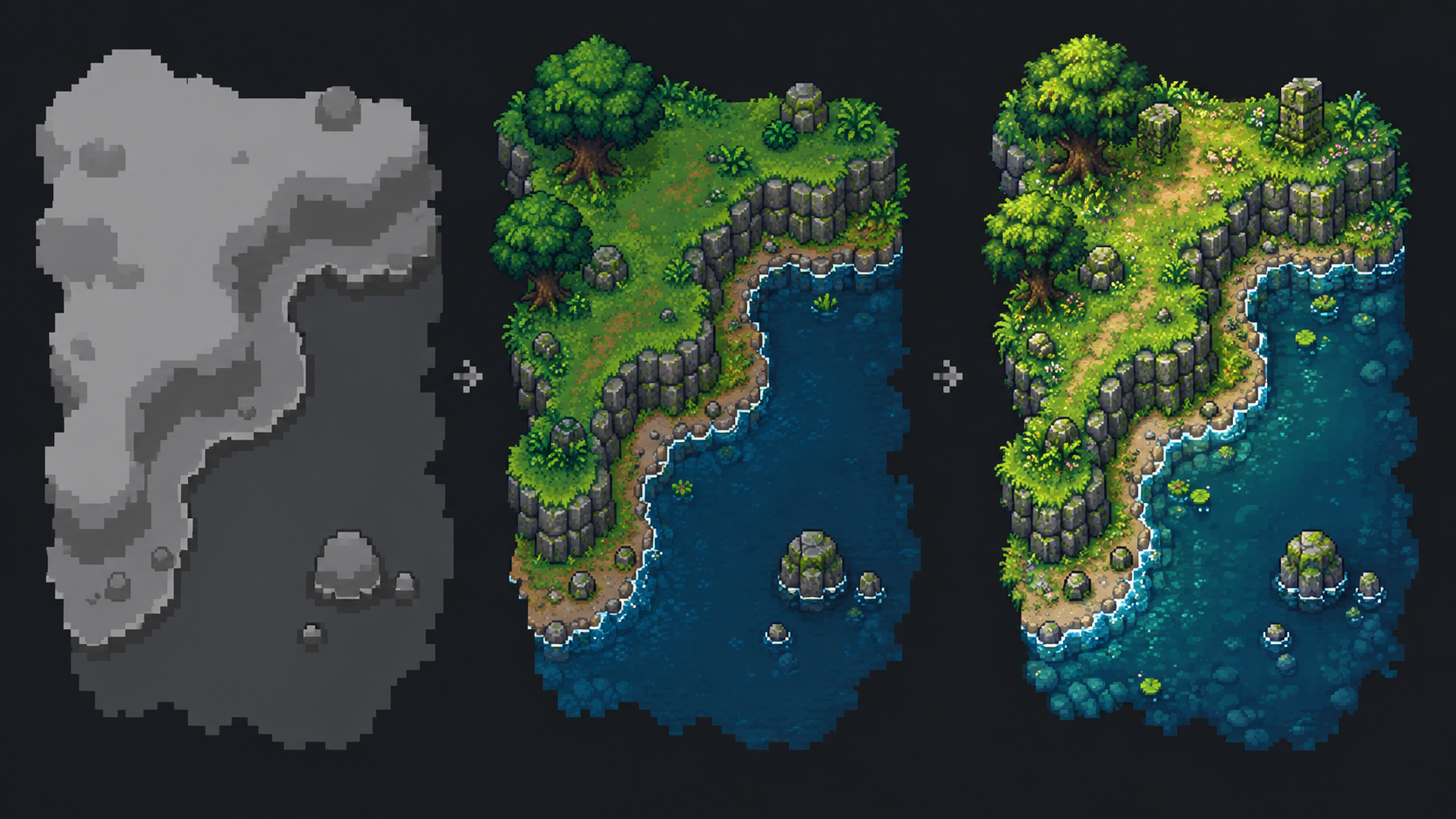
Art Style and Reference Image
Choose a style preset, add a custom direction, or upload an image reference. The AI receives both the 16-tile shape guide and your chosen style input.
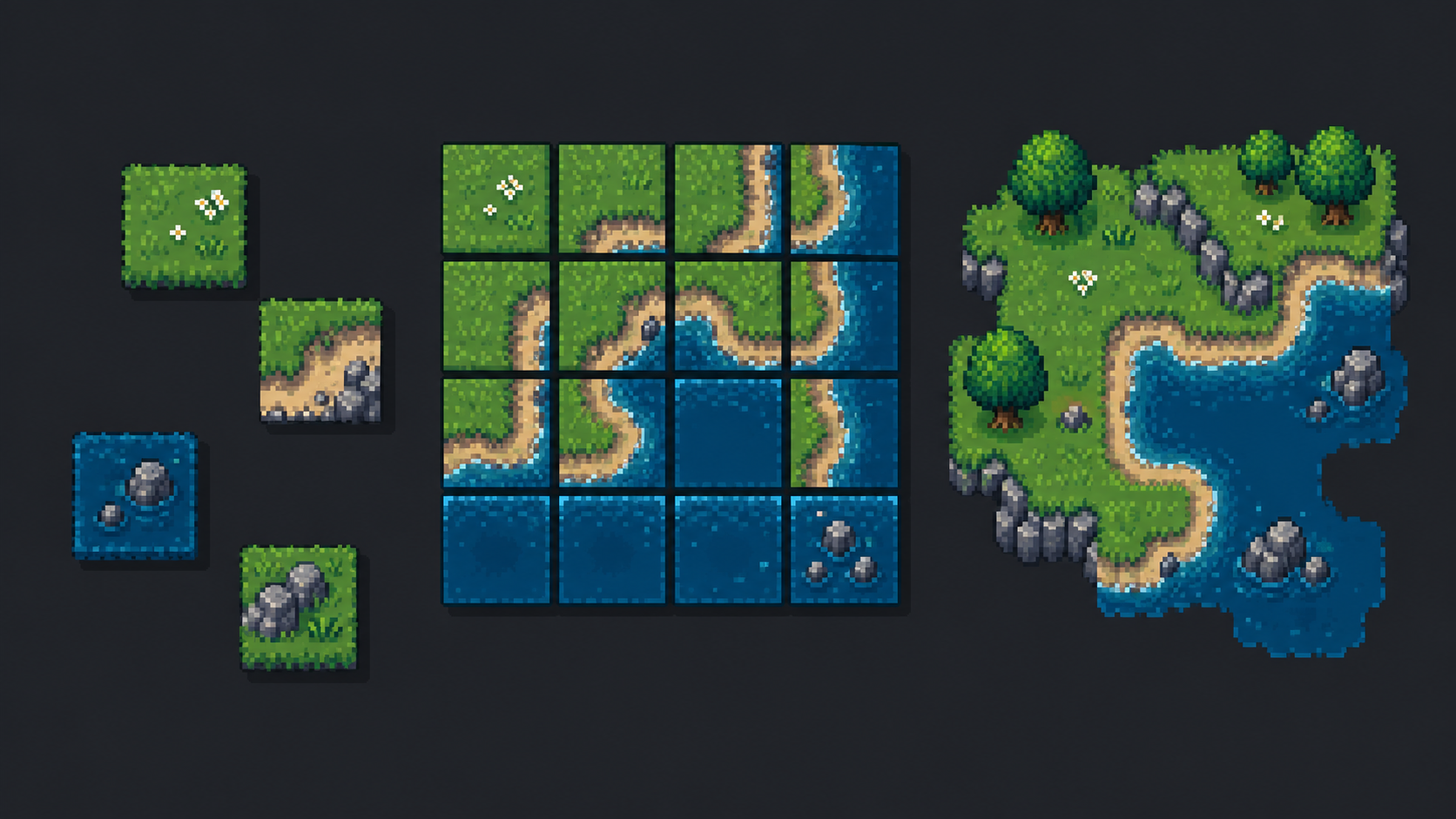
PNG, Godot 4 and Tiled Exports
Download the atlas, one tile PNG, or a ZIP of all 16 tiles. Engine packages include a Godot 4 .tres terrain set or Tiled .tsx Corner Wang Set using the task's saved tile size.
What Makes Sprite Flow's Tileset Generator Different?
The preview, AI input and engine files share one four-corner tile map.
One Meaning per Tile
All 16 cells have stable corner rules. The base renderer and engine exporters use the same versioned mapping, so a saved task keeps its original layout.
Choose 1K or 2K Output
New results preserve the selected 1024 × 1024 or 2048 × 2048 atlas. Each tile is 256 × 256 or 512 × 512 pixels, and the browser exports individual PNGs and ZIPs from the saved atlas.
Files You Can Inspect
A 16-tile ZIP uses row-major names starting with tile-01.png. Open or replace one cell without guessing which corner pattern it represents.
Saved Task Settings
The task records its template version, two region descriptions and style input.
Clear Generation Cost
The base preview is free; AI generation costs 2 credits at 1K or 4 credits at 2K. A failed upstream task follows the shared credit-refund workflow.
Engine Rules with Clear Limits
New exports include Godot 4 corner terrain rules or Tiled Corner Wang rules. Test texture joins yourself; collision data, animated water and 47-tile layouts are outside this workflow.
Start Your AI Tileset Generator Preview
See all 16 terrain shapes for free. Add material text and an art style, then refine at 1K for 2 credits or 2K for 4 credits.
Questions About AI Tileset Generation
What the 16-tile sheet includes, how credits work and what to check before import.